Office bingo
These office bingo templates cover several kinds of workplace games. Mark familiar moments with Office tropes or Remote working, listen for phrases with Business buzzword, meet colleagues with Mingle, or search for everyday items with Workplace scavenger hunt. Choose the format that fits your meeting, event, or workday, then review every square before you play. Replace prompts that are too personal, negative, location-specific, or unlikely to happen so the card works for the people taking part.
Office bingo templates and setup guide
Office bingo can be an observation game, a conversation activity, or a scavenger hunt. The right rules depend on the card. Before choosing one, decide what people should notice or do and how much of the workday the game should cover.
Choose the office bingo format
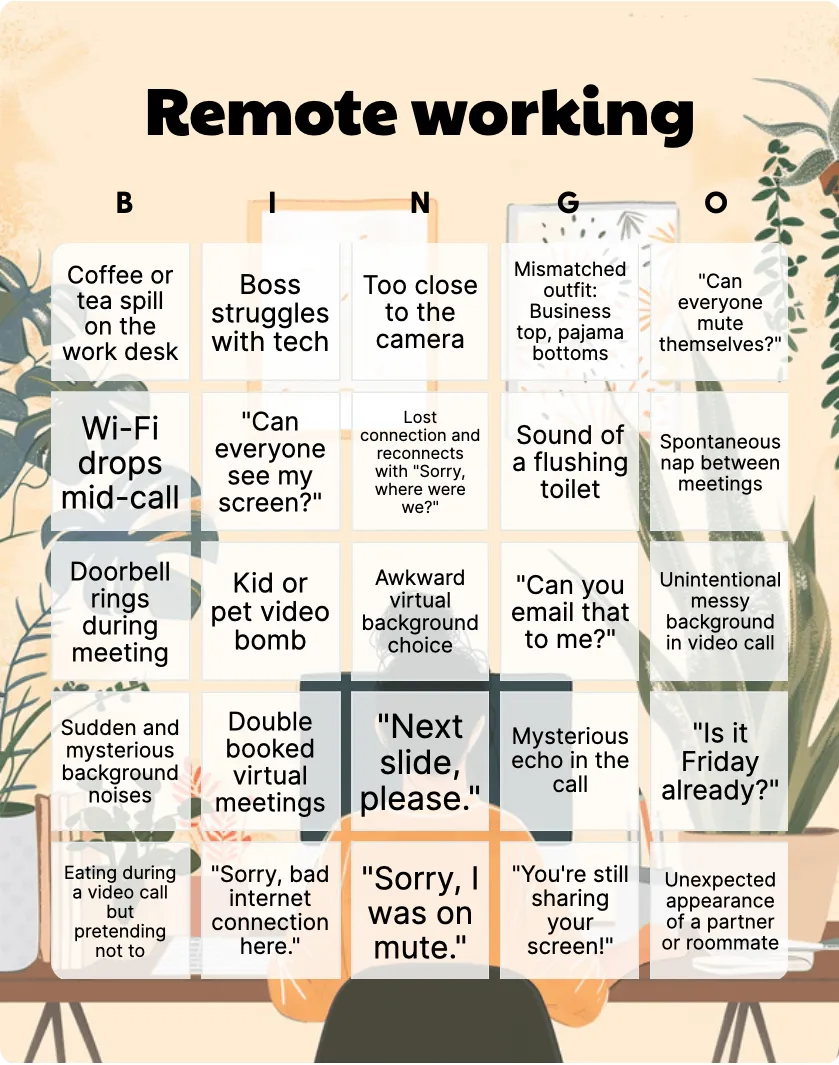
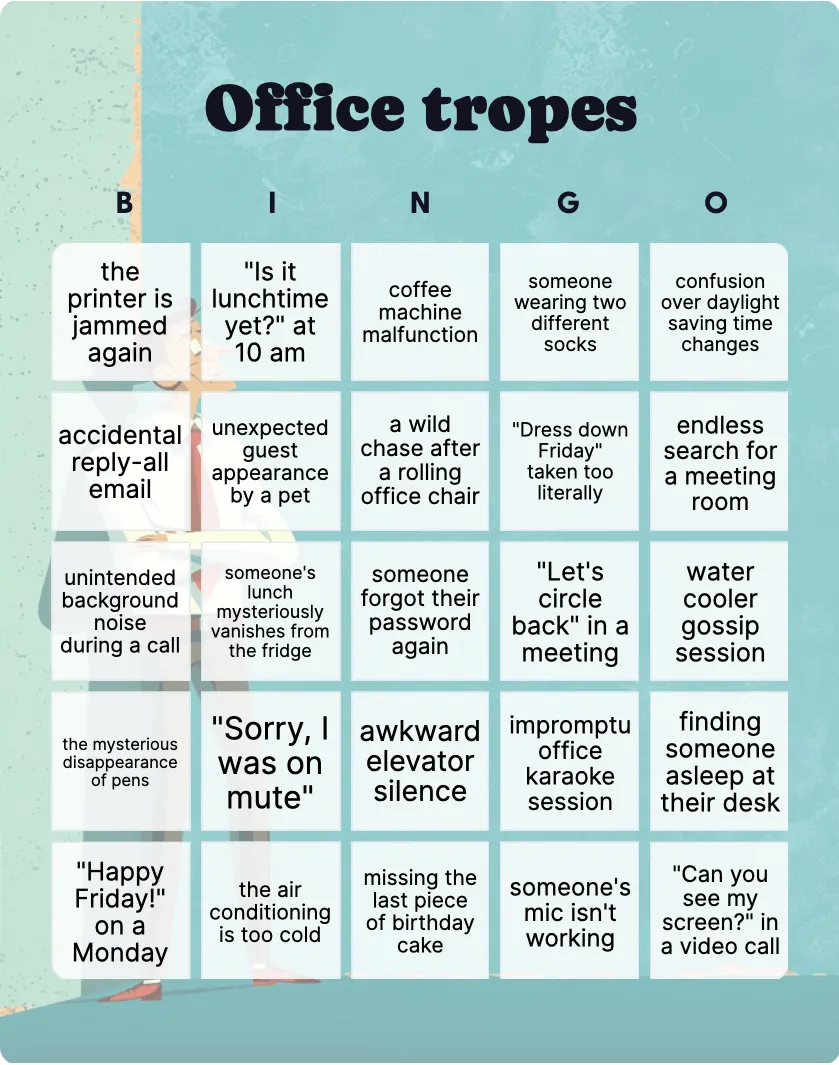
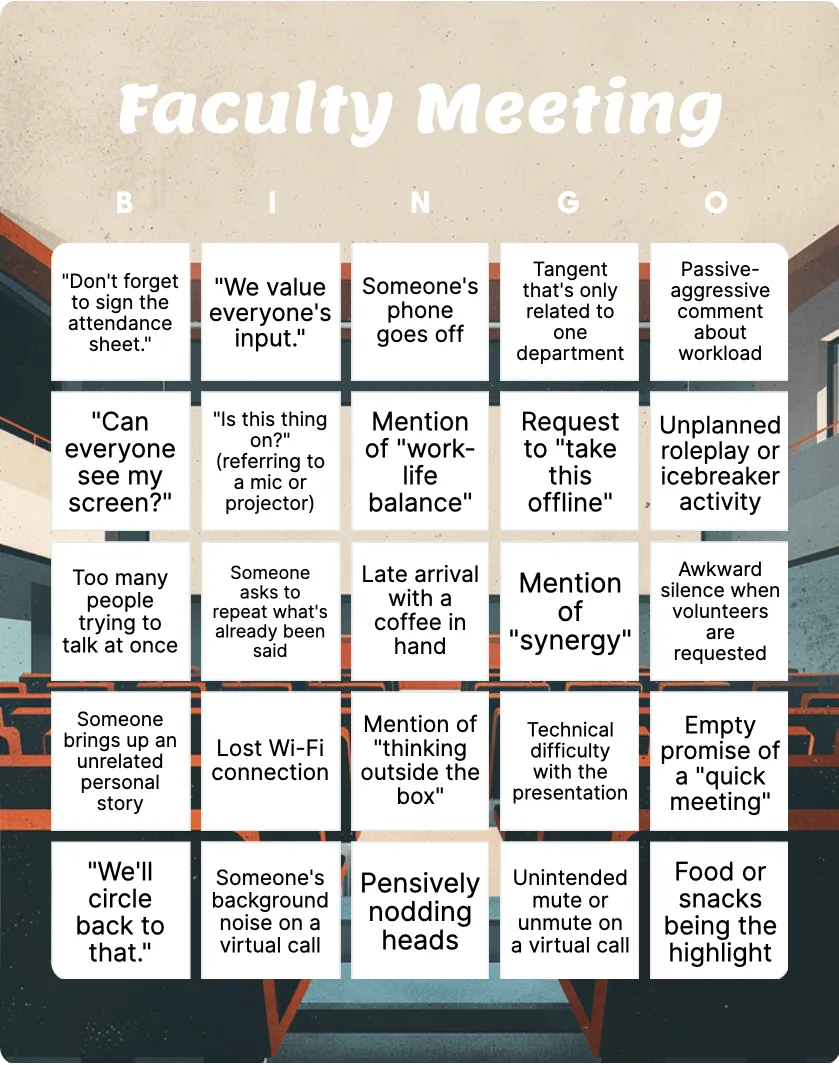
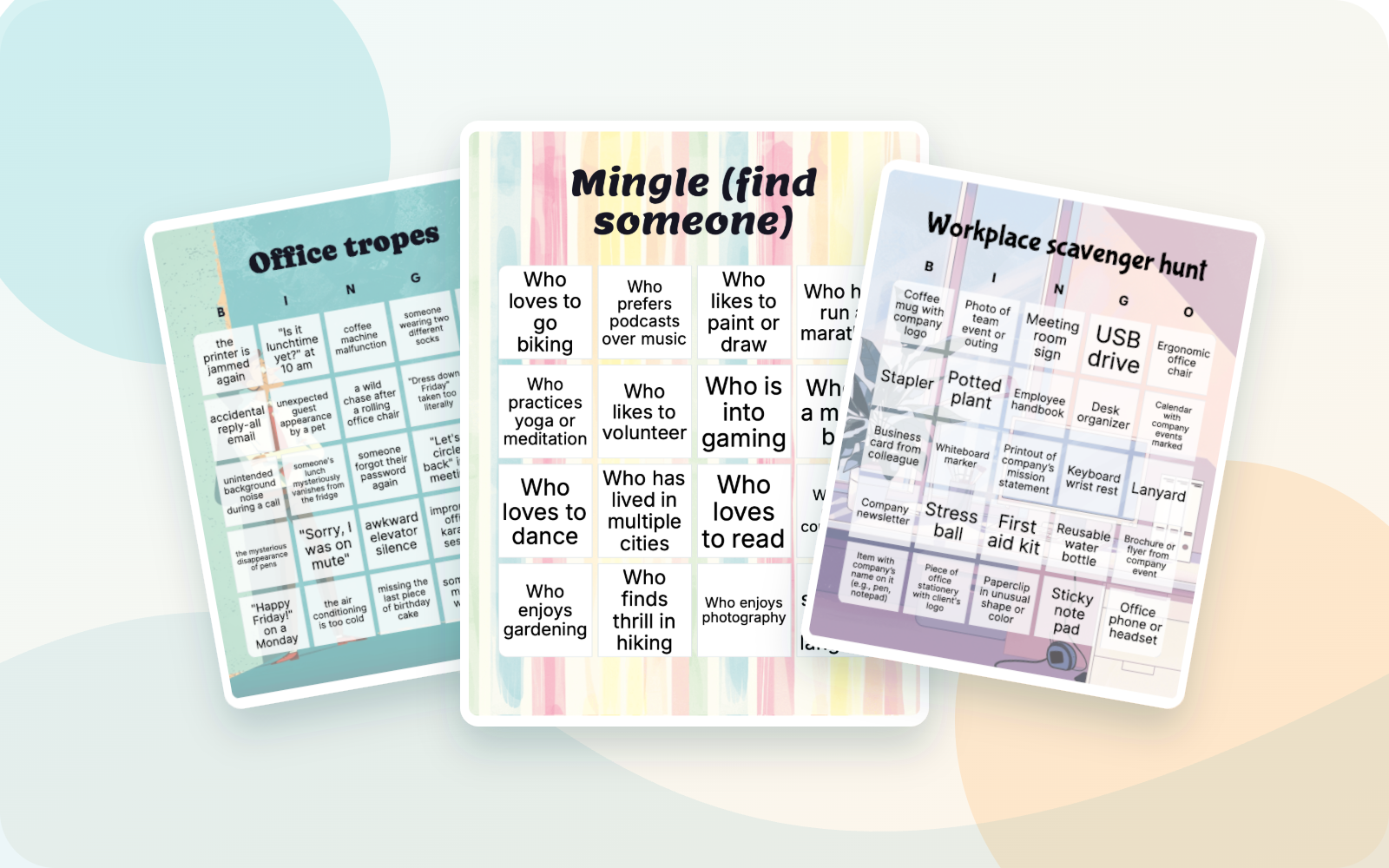
- Workplace moments: Office tropes includes squares such as “the printer is jammed again,” “Let’s circle back” in a meeting, and “Sorry, I was on mute.” Remote working focuses on video calls, home interruptions, and connection problems.
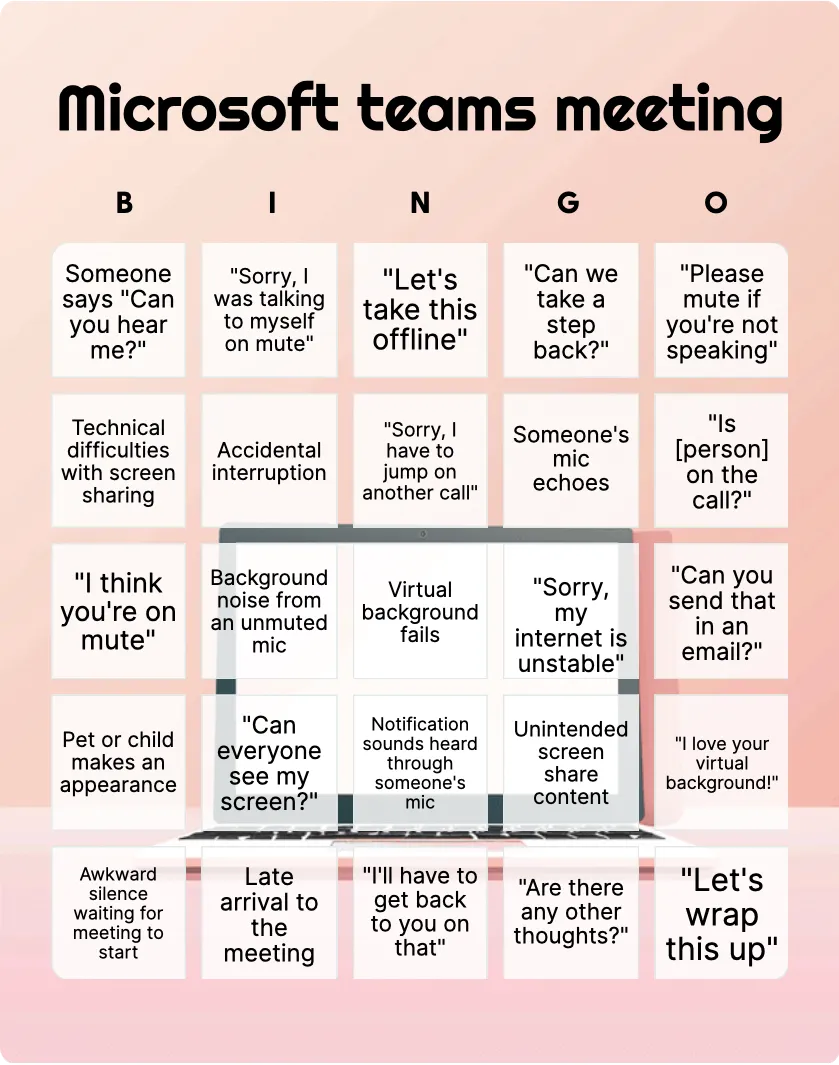
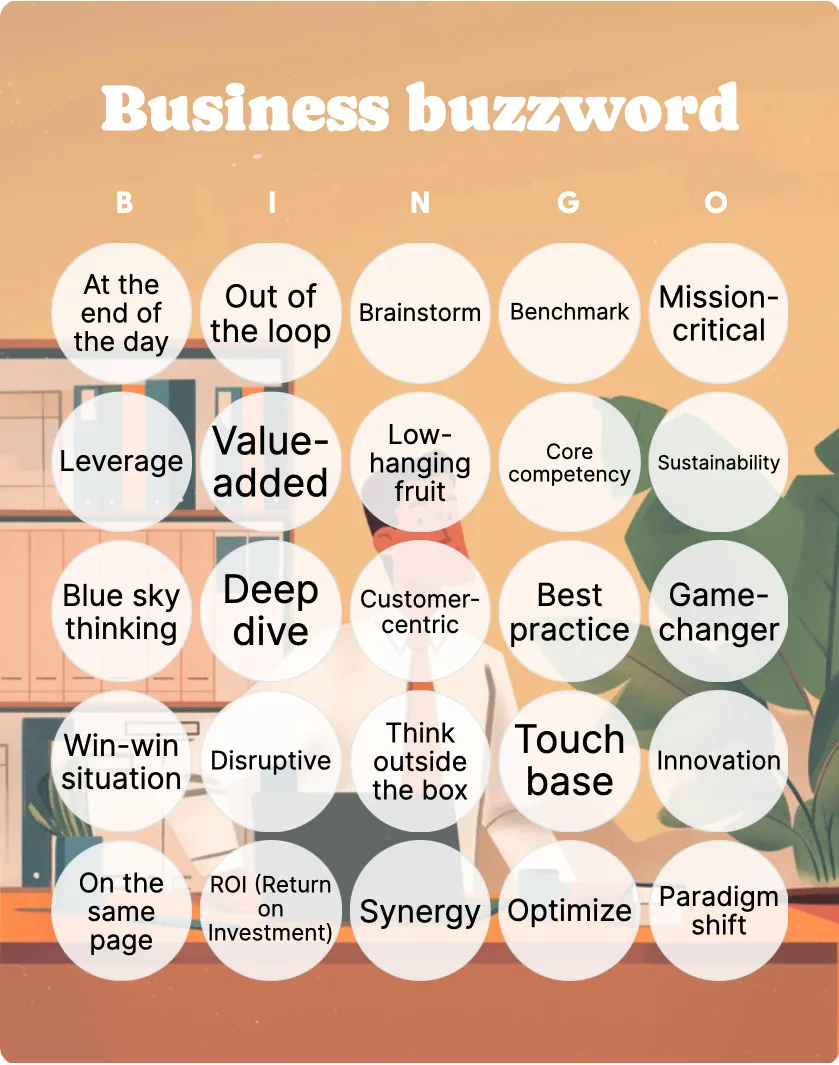
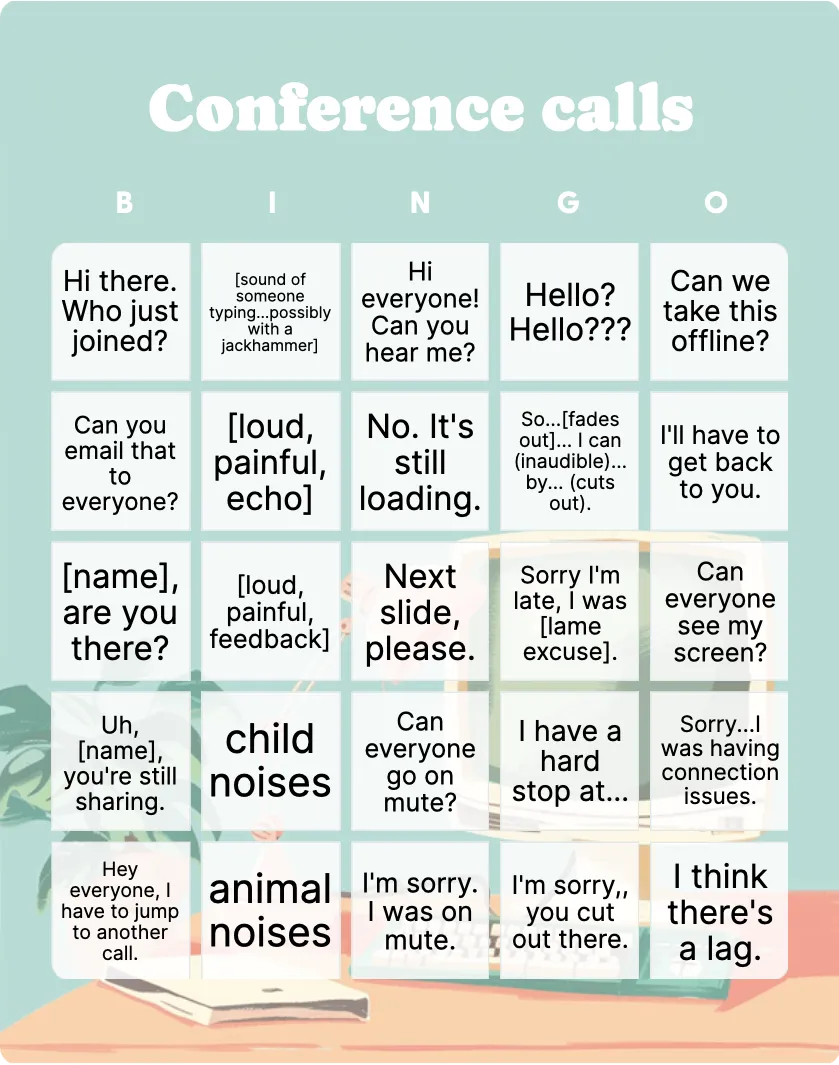
- Meeting language: Business buzzword uses terms such as “Synergy,” “Touch base,” and “KPI.” Conference calls and Microsoft Teams meeting provide other meeting-focused choices.
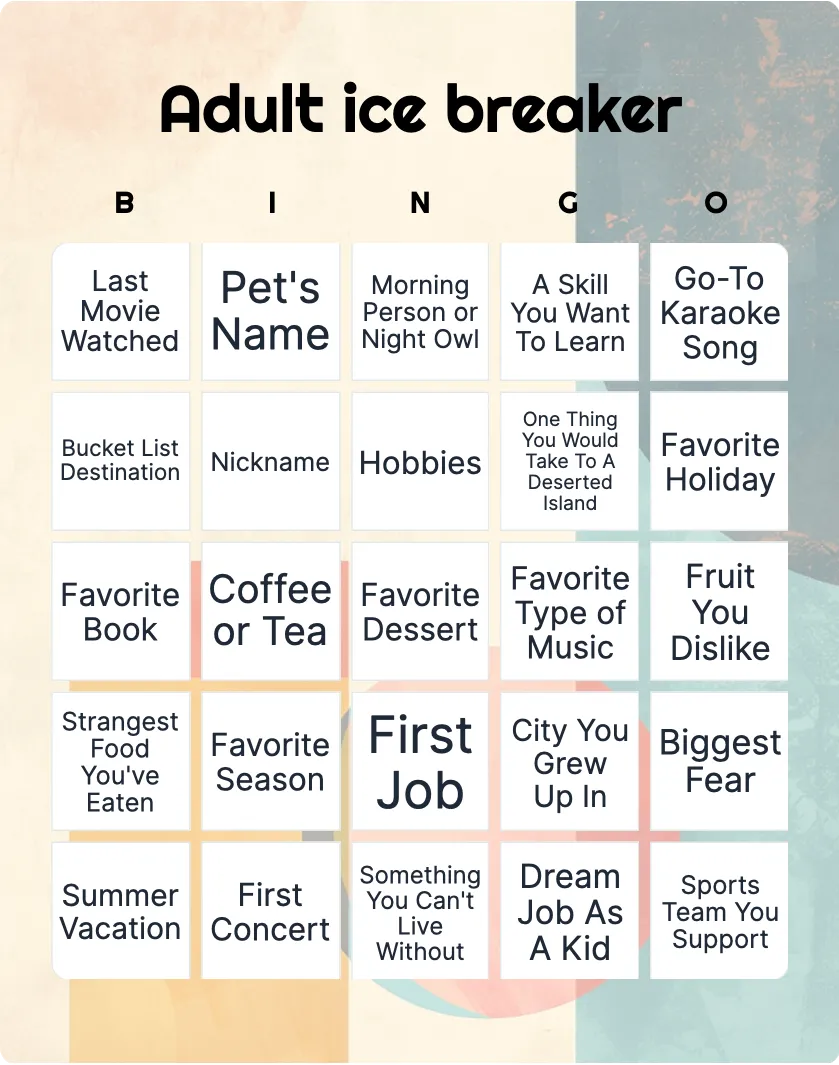
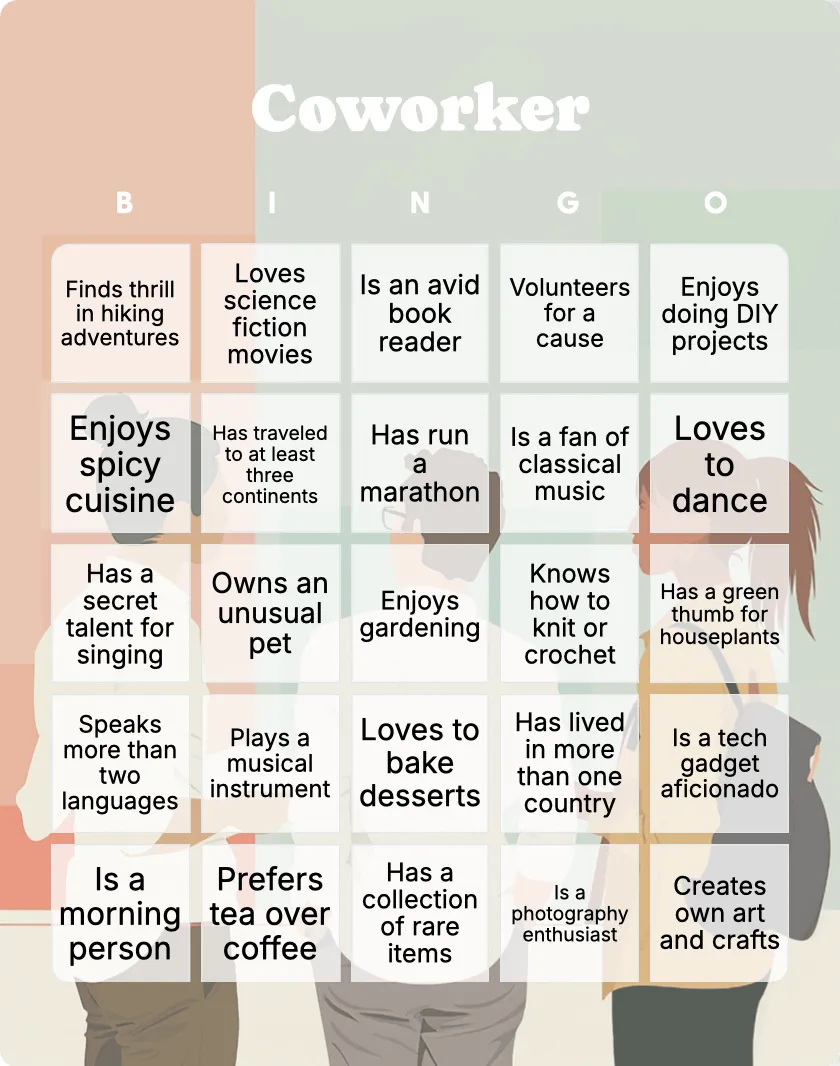
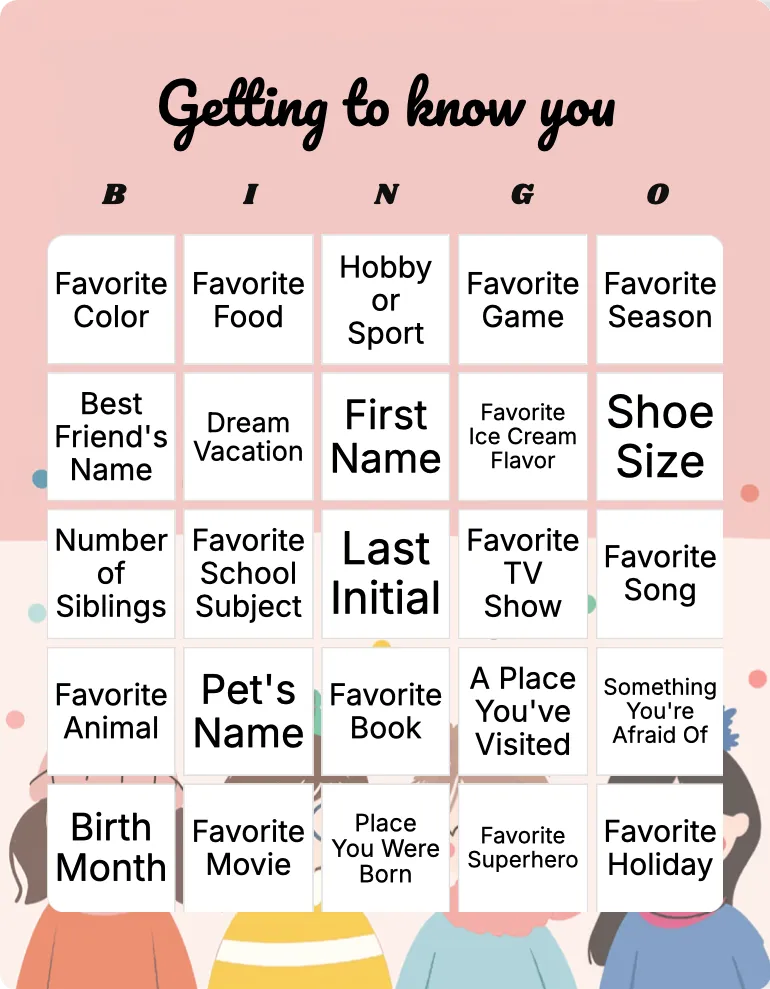
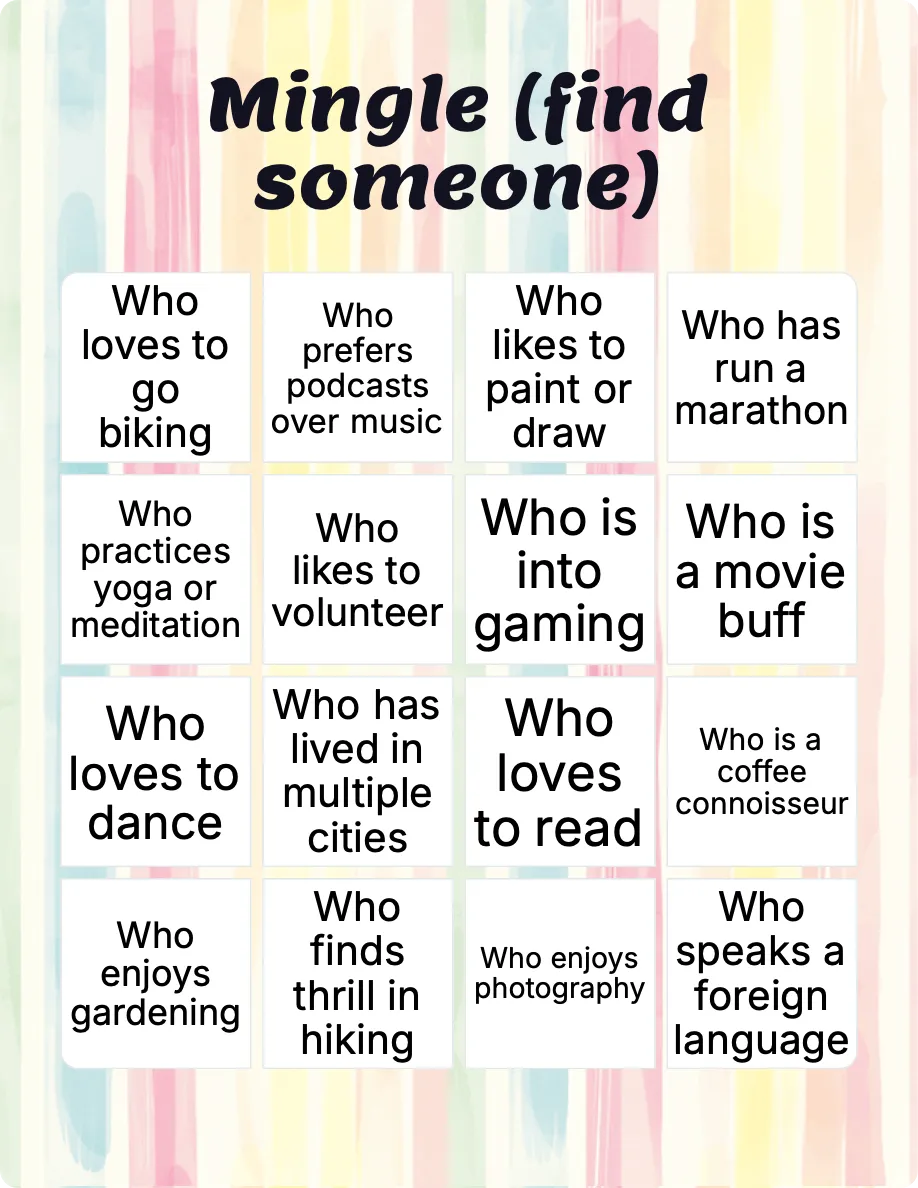
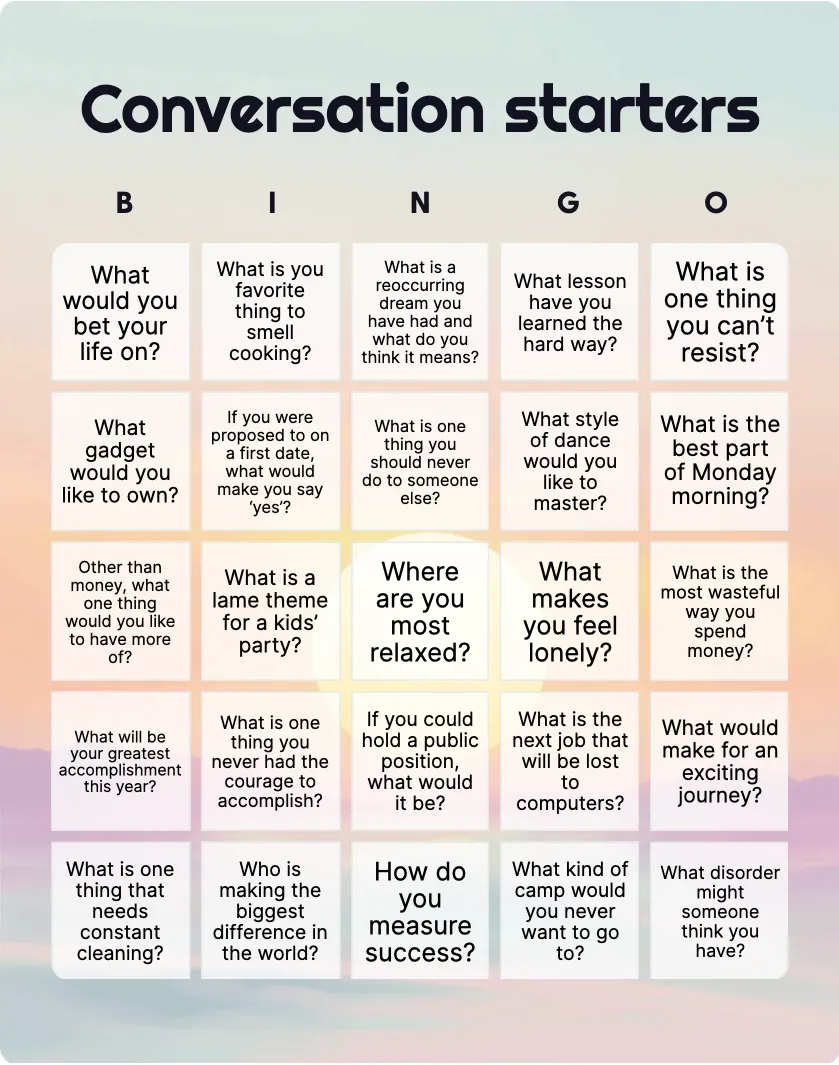
- Conversation and mingling: Mingle (find someone) asks players to find coworkers who have a pet, enjoy photography, or like to volunteer. Adult icebreaker, Getting to know you, and Conversation starters offer related formats.
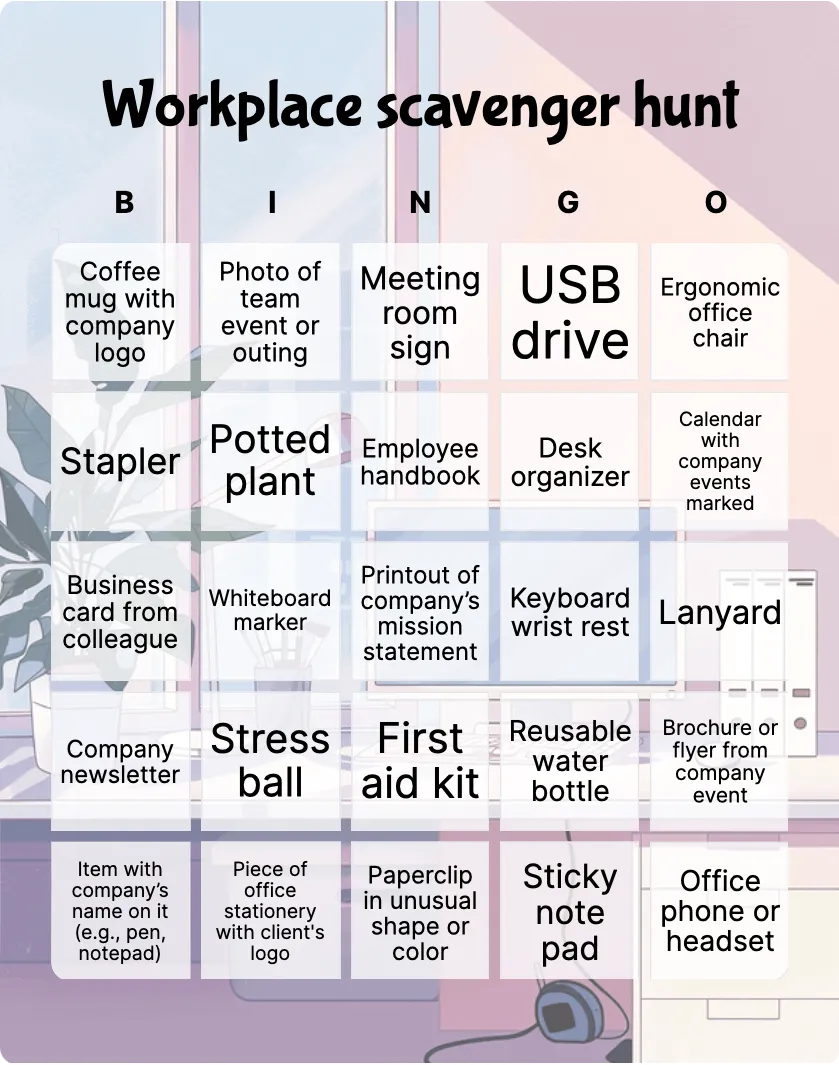
- Finding objects: Workplace scavenger hunt includes items such as a meeting room sign, first aid kit, reusable water bottle, and office phone or headset.
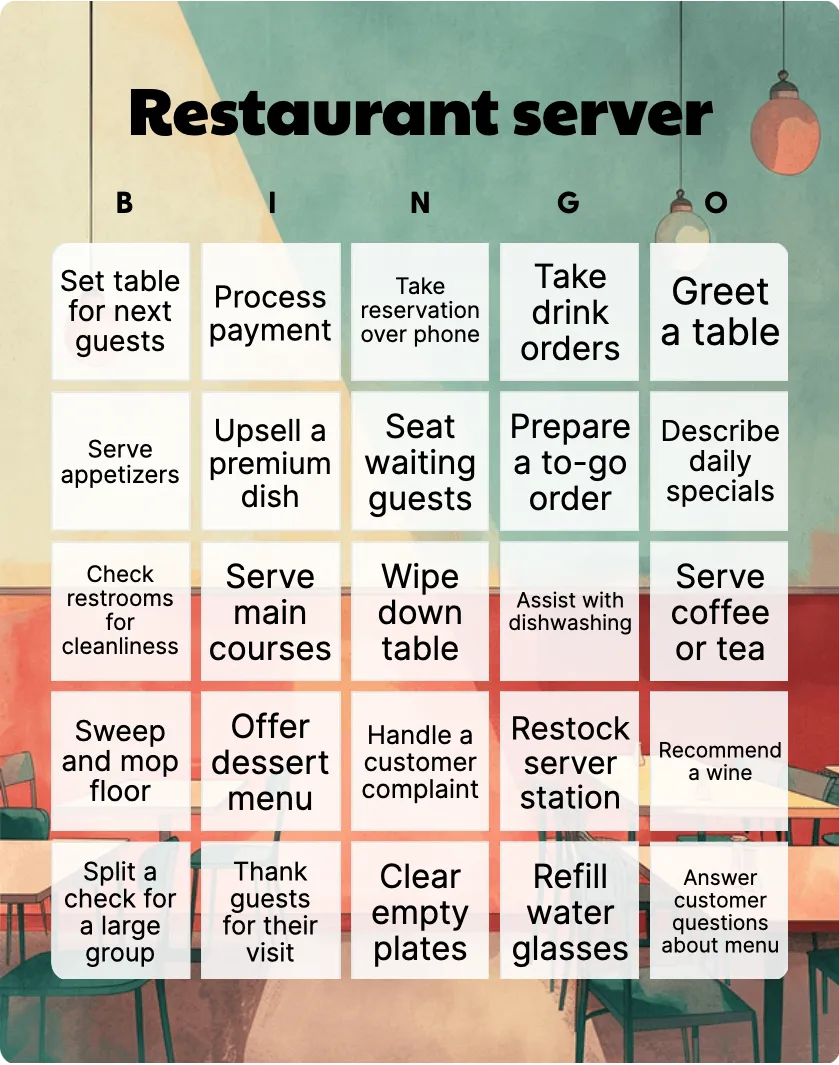
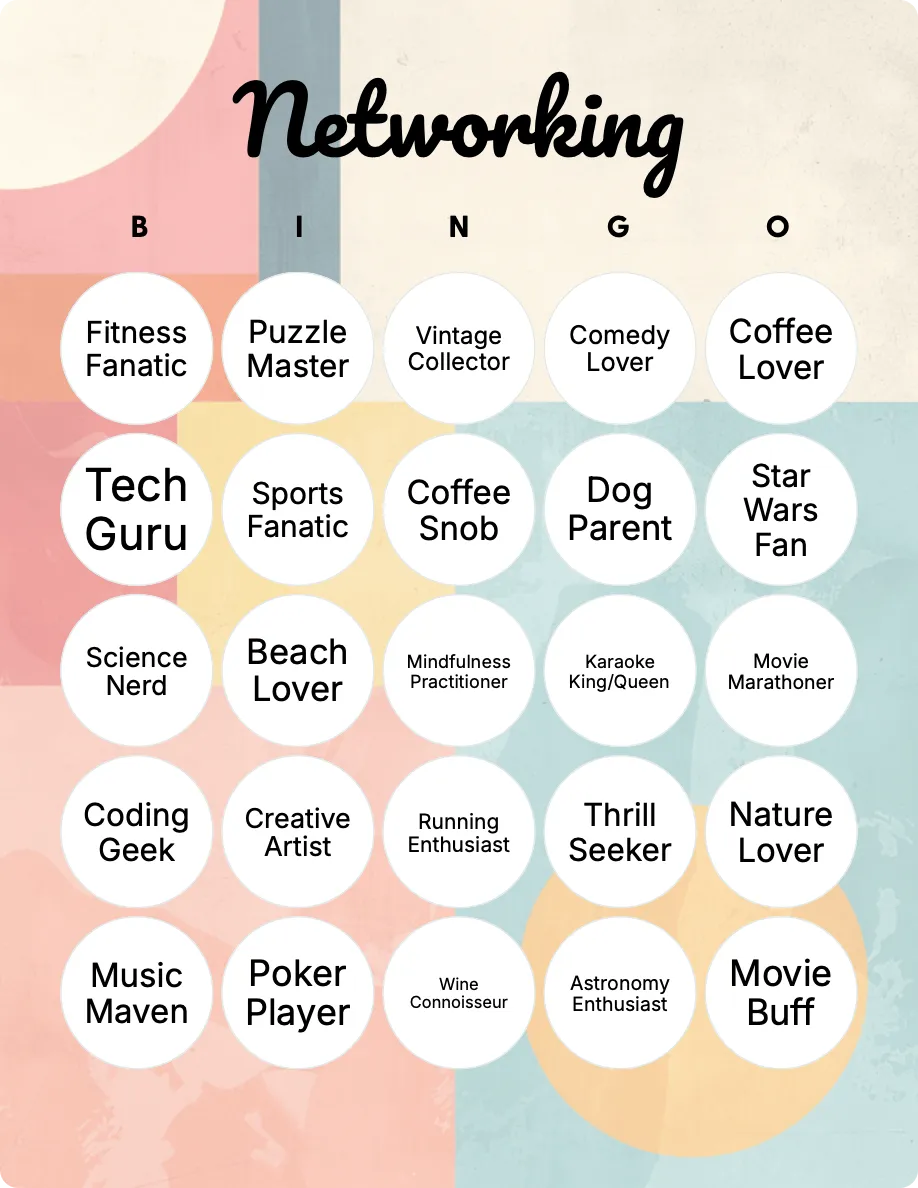
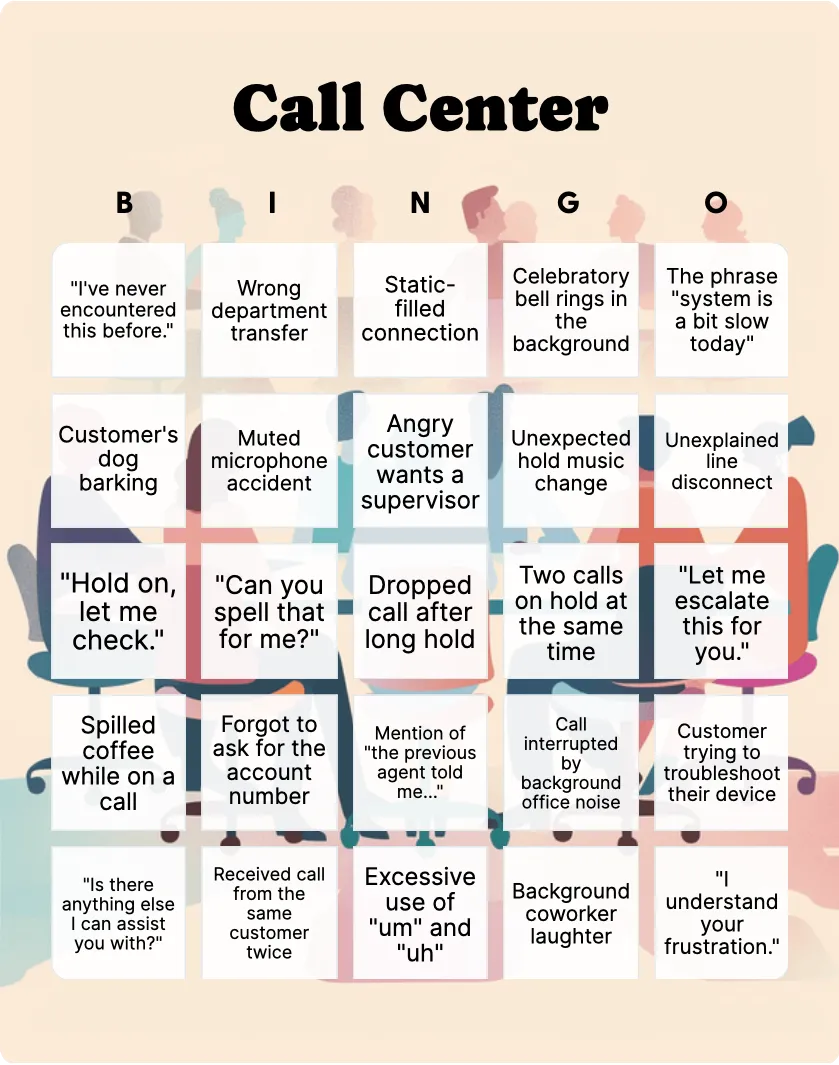
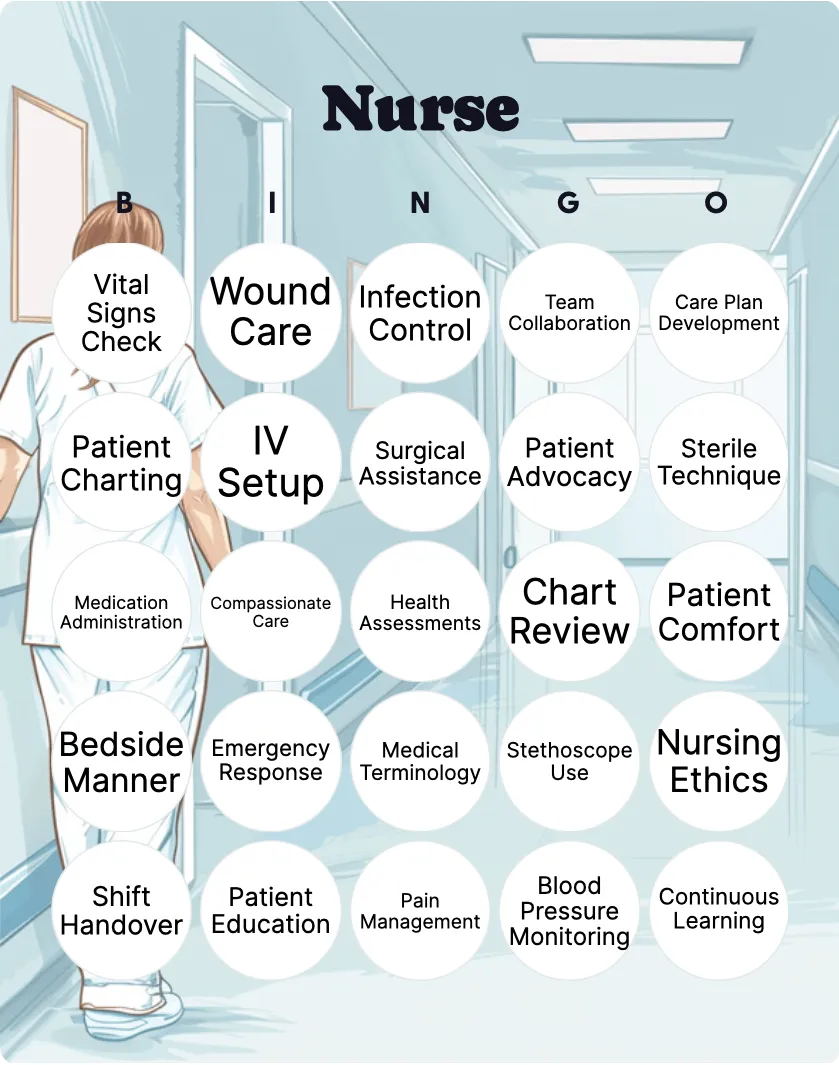
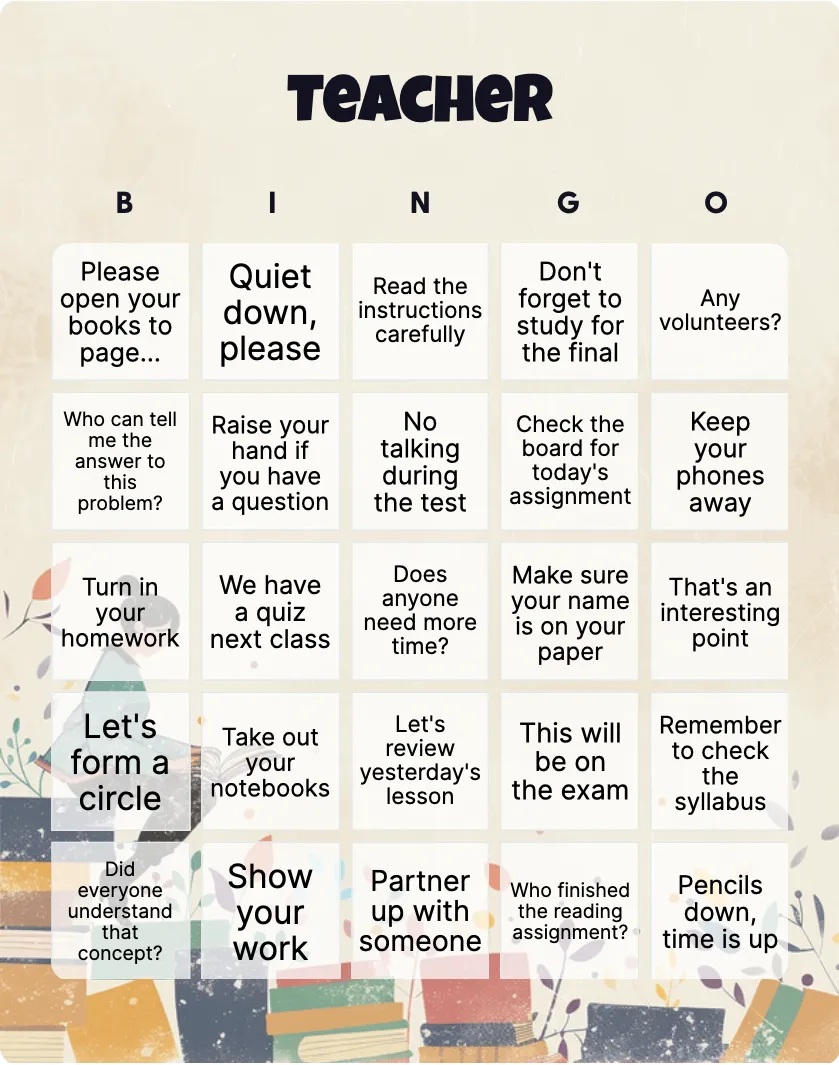
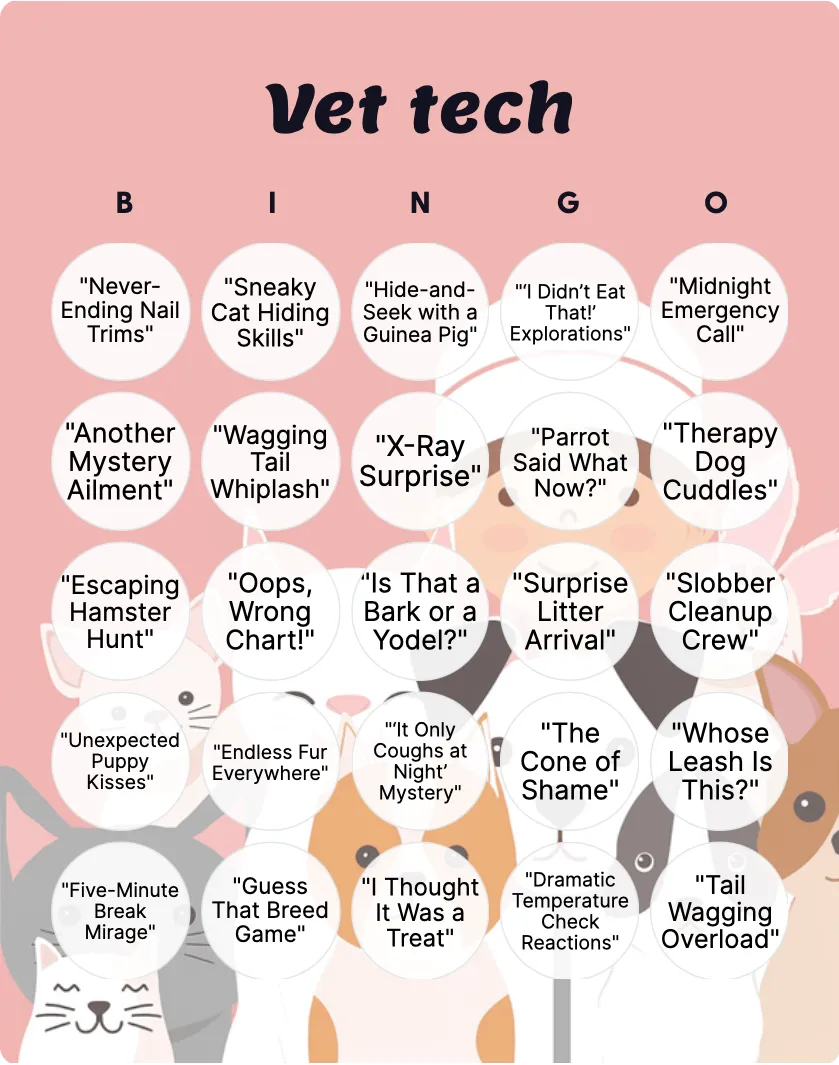
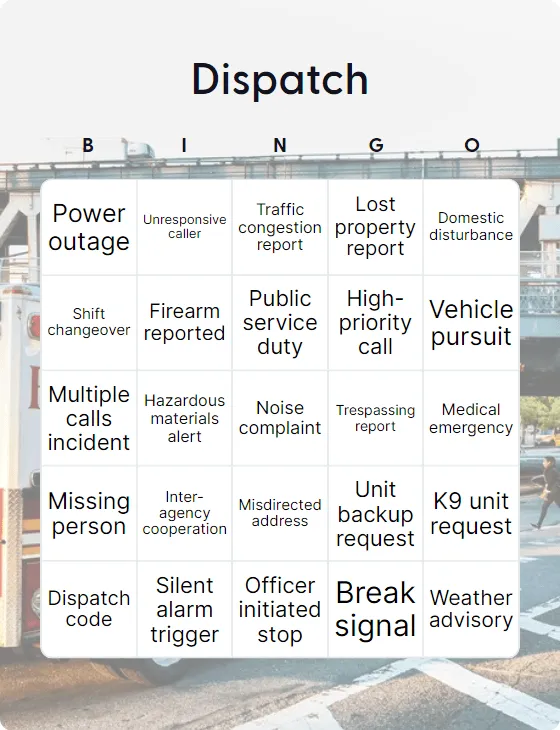
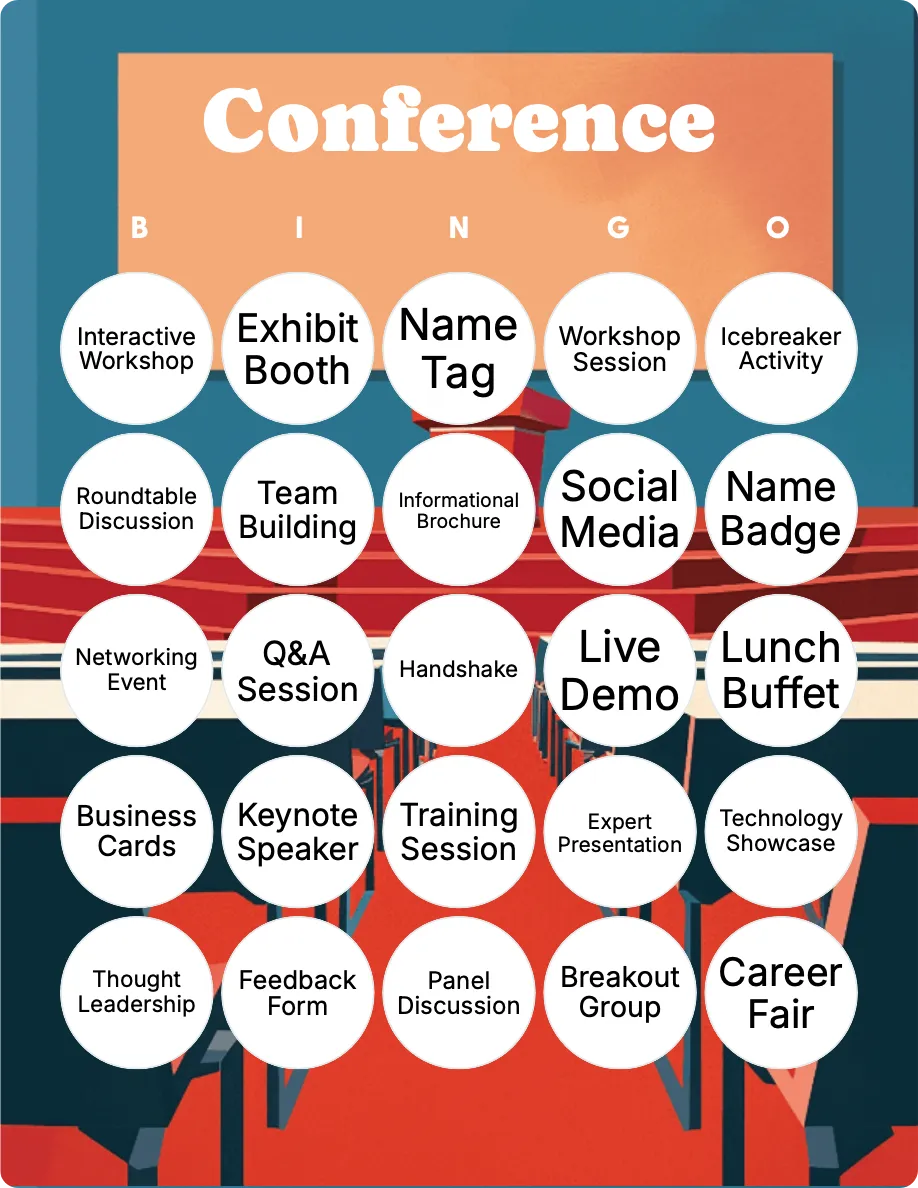
- Roles and events: Restaurant server, Call Center, Nurse, Teacher, Dispatch, Vet tech, Networking, and Conference narrow the card to a particular job or event.
Start with the closest format, even if several squares need editing. A specific card with a few changes usually gives players clearer rules than a broad card that tries to cover every workplace.
Match the rules to the card
Tell players what makes a square count before the game begins.
- For observation bingo, mark a square when the listed event happens. Decide whether something seen before the official start time counts.
- For meeting bingo, players can mark phrases or moments quietly as they occur. Keep the game from interrupting the meeting or distracting anyone who is presenting.
- For a find-someone card, players speak to coworkers and write down who matches each prompt. Decide whether the same person can complete more than one square.
- For a scavenger hunt, define whether players need to see the object, photograph it, or bring it back. Do not ask people to move, photograph, or handle confidential material.
Set the winning pattern as well. A row, column, or diagonal suits a shorter meeting. Four corners or a full card needs more time and may work better across a day or week.
Review every square before sharing the card
Read the full card as if you were one of the participants. Remove prompts that single out a colleague, make light of poor performance, or depend on private information. Avoid questions about health, family circumstances, personal finances, protected characteristics, or anything a coworker may not want to discuss.
Check whether each square is realistic for the setting. A meeting-room prompt will not work for a fully remote team. A task tied to one department, shift, building, or seniority level may leave other players unable to complete the card. Replace it with an equivalent action rather than expecting everyone to have the same workday.
Participation should be optional. A conversation card should not require someone to reveal personal information, perform for the group, or appear in a photograph. Give players a way to skip any prompt without having to explain why.

Adapt office bingo for remote and hybrid teams
For a remote group, use prompts that everyone can observe during calls or complete from their own workspace. Remote working and Conference calls are better starting points than a card based on meeting rooms, printed notices, or communal office equipment.
For a hybrid group, check that office and remote participants can complete a similar number of squares. If people in the office can mark “meeting room sign,” give remote participants a comparable prompt such as noticing a calendar update or a familiar call phrase. Keep the time window, winning pattern, and proof requirements the same for everyone.
Find-someone games can also work online when the activity has a defined conversation period. Tell players where those conversations should happen and avoid turning a work channel or live meeting into a stream of bingo messages.
Set up the game in order
- Choose a template that matches what people will observe, discuss, or find.
- Open Edit & print and replace any unsuitable, unclear, or inaccessible squares.
- Select a grid size and winning pattern that fit the available time.
- Set the start and end time, including whether events before the official start count.
- Explain how players mark squares and how a win will be checked.
- Prepare printed cards or test the online joining instructions before the activity begins.
Preview the completed card at the size people will use. The printing guide covers the current print flow. Use the online-play guide when players will join on their own devices.
Fix common office bingo problems
Players interpret a square differently
Rewrite it so there is one observable phrase, event, answer, or object. Give an example before starting if the wording could still be read in more than one way.
The game distracts from the meeting
Use silent marking, remove tasks that require movement or conversation, and save win checks until a suitable break. A meeting may need a different card from an office-wide game.
Some players cannot complete enough squares
Check for prompts tied to one location, role, schedule, or level of access. Replace them before play or provide an equivalent version for each group.
A prompt feels aimed at a particular colleague
Remove it. Workplace humor works better when the square describes a shared situation rather than a person’s habits, appearance, background, or performance.
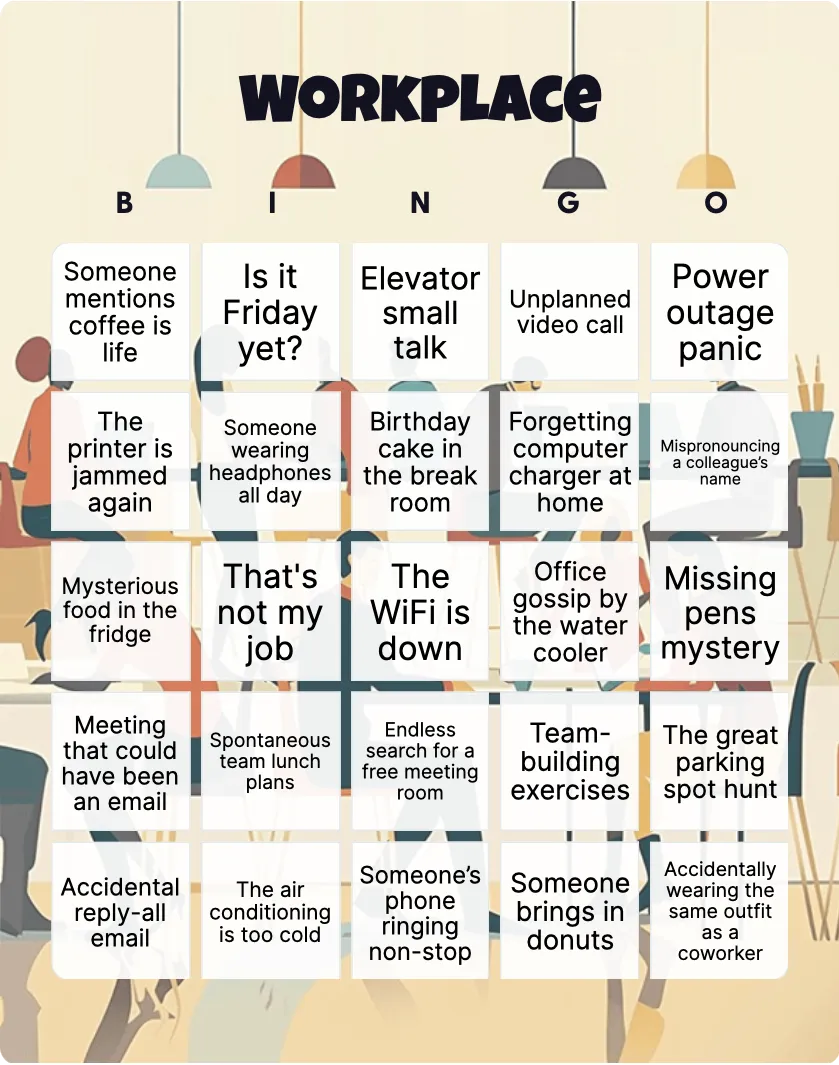
Choose Office tropes for familiar workday moments, Mingle for a planned conversation activity, or Workplace scavenger hunt for an activity based on finding office items.
Generate bingo cards,
your way
Unleash your creativity with our versatile generator that simplifies the creation of personalized cards featuring text, emojis, and images!
Create card