
Film and TV bingo
Film and TV bingo cards can track tropes, titles, characters, genres, or moments during a live broadcast. Choose a card that matches what the group is watching and what they already know. Agree on spoiler, pause, and ruling rules before viewing starts. Custom prompts should be original rather than copied dialogue, lyrics, screenshots, posters, logos, or character artwork.
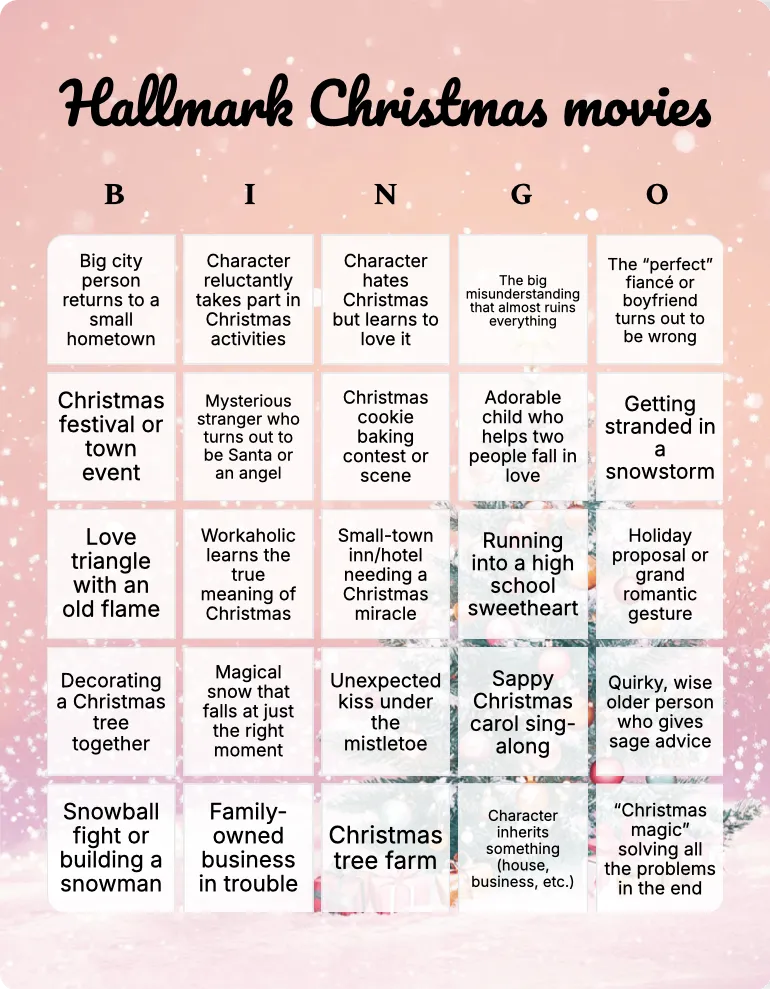
Hallmark Christmas movies bingo
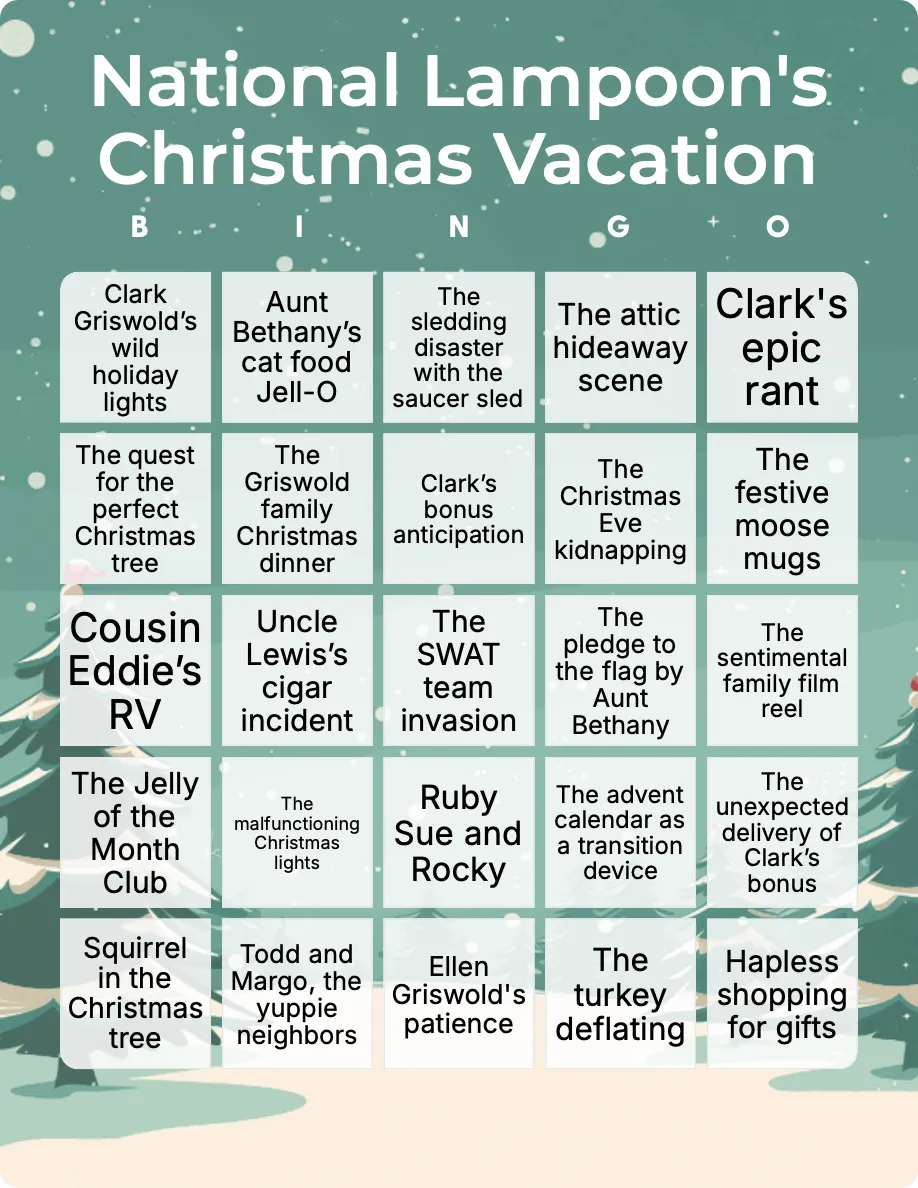
National Lampoon’s Christmas Vacation bingo
8+Easy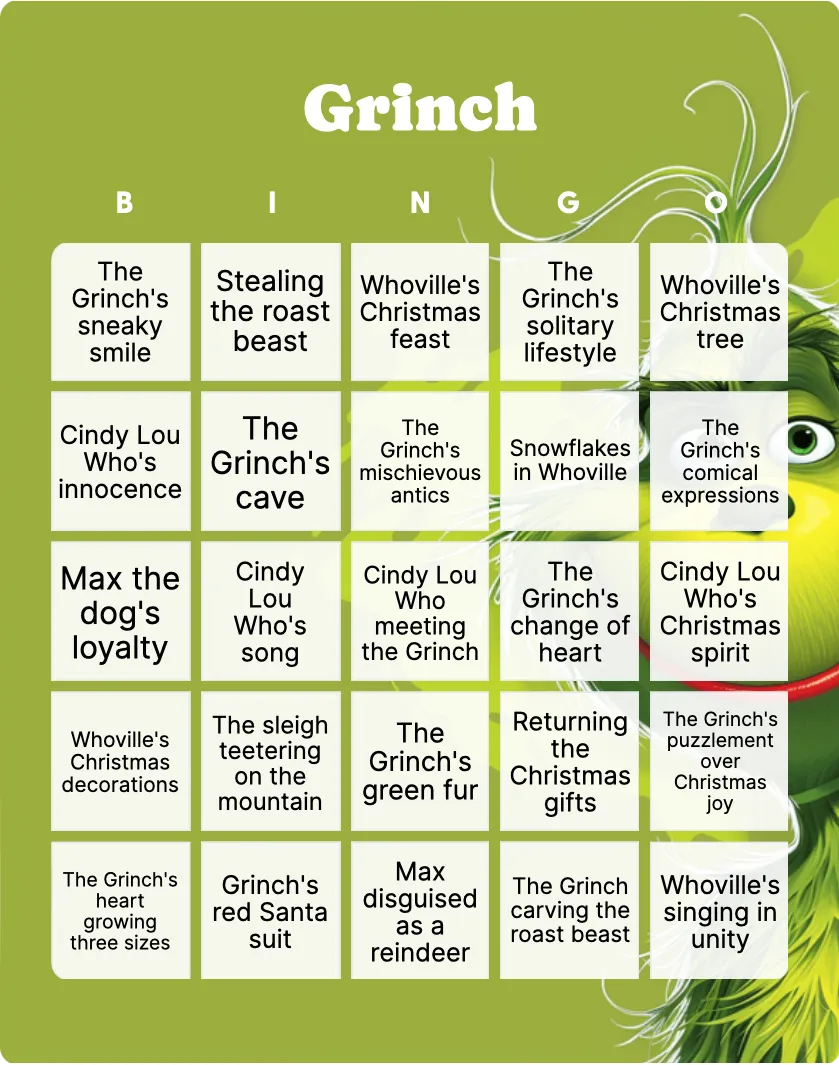
Grinch bingo
8+Challenging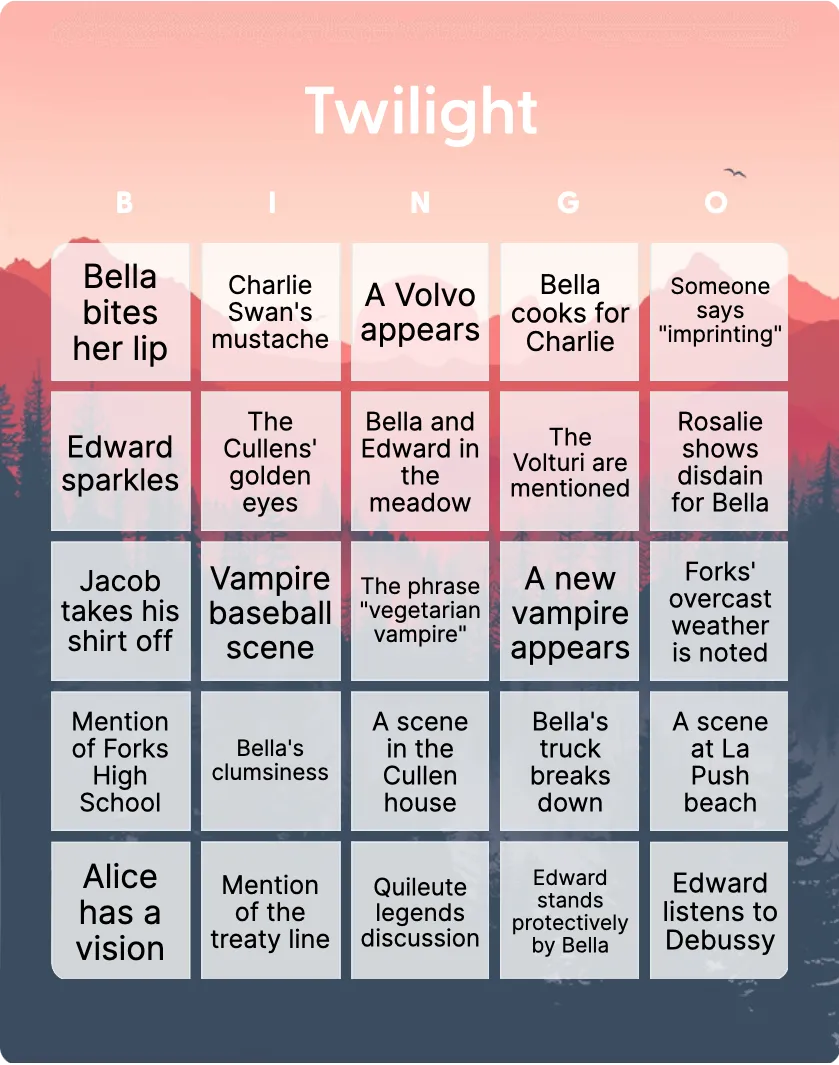
Twilight bingo
18+Easy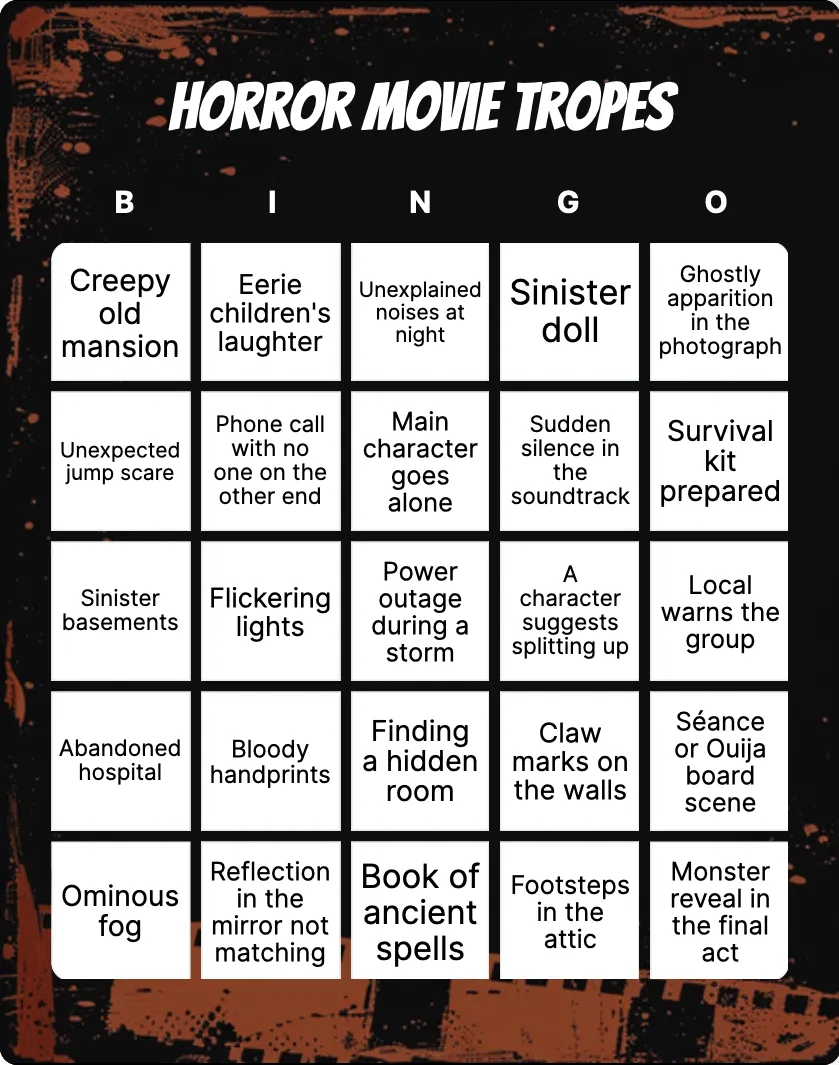
Scary movie tropes bingo
18+Intermediate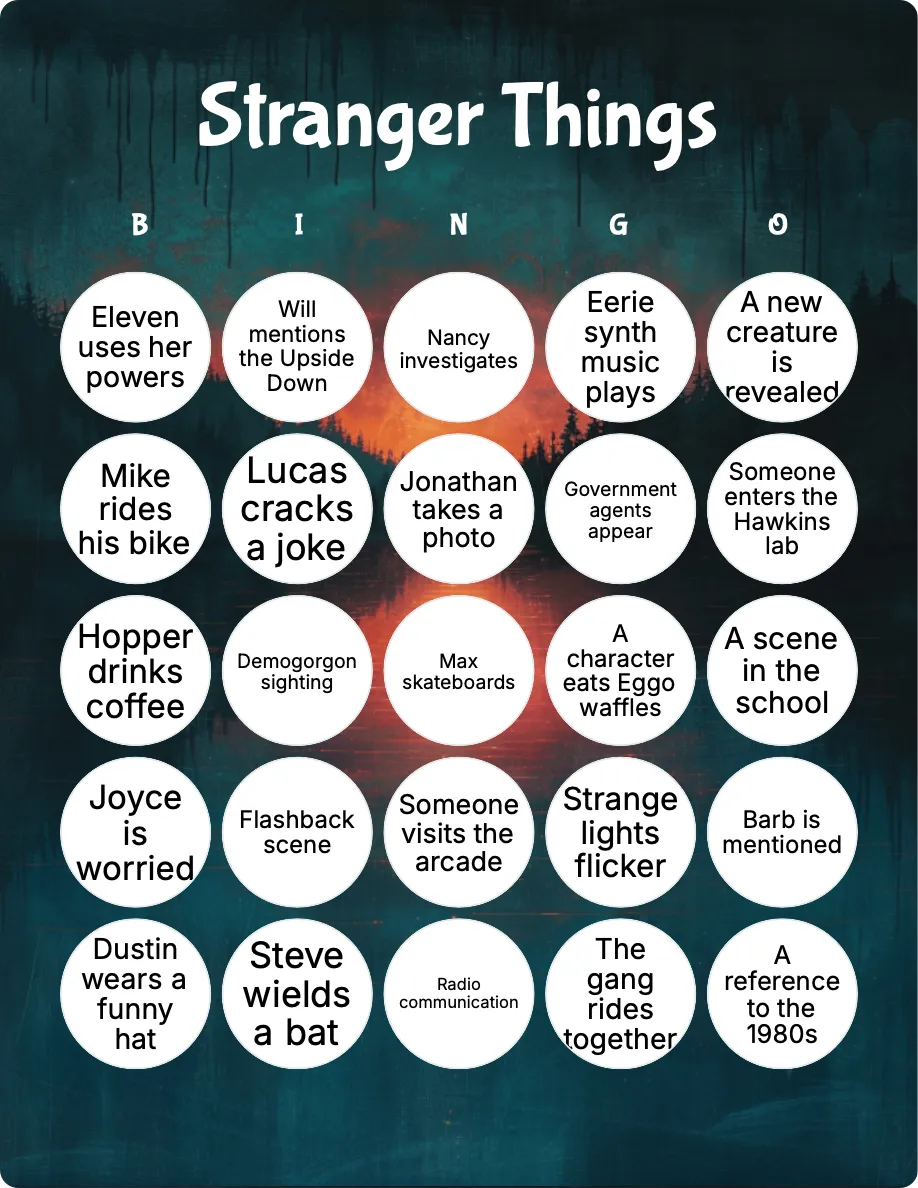
Stranger Things bingo
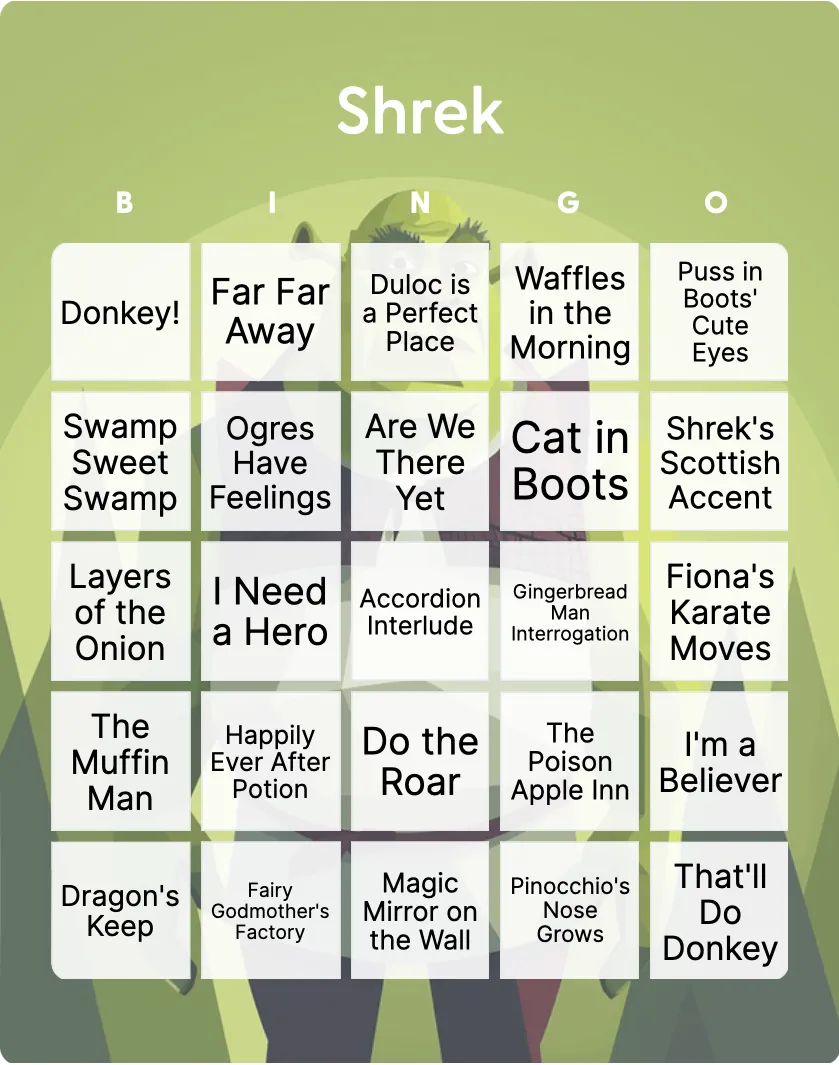
Shrek bingo
8+Easy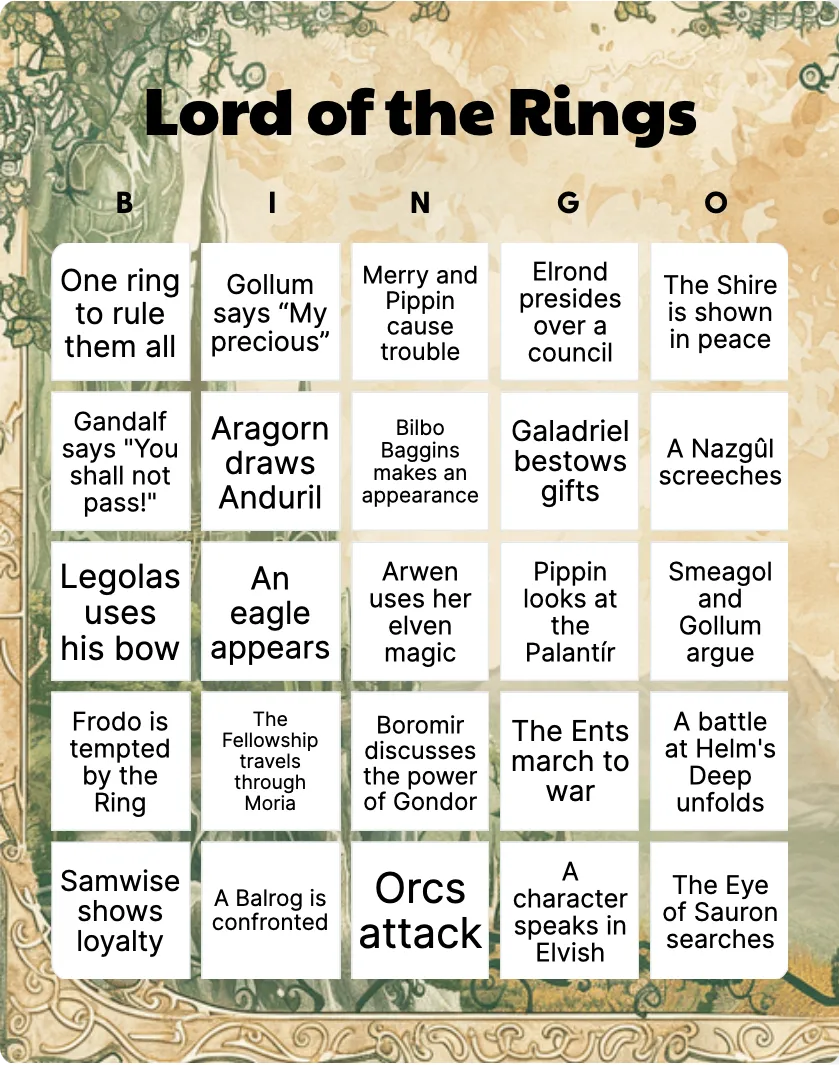
Lord of the Rings bingo
18+Challenging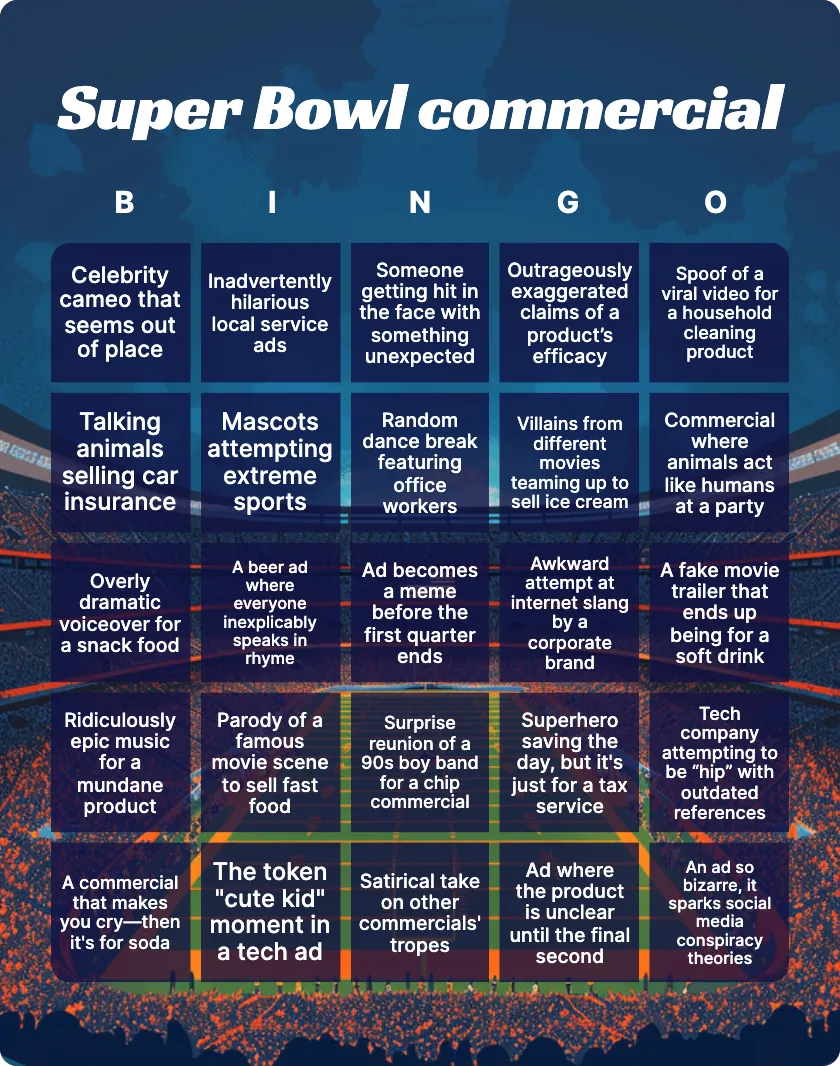
Super Bowl commercial bingo
18+Easy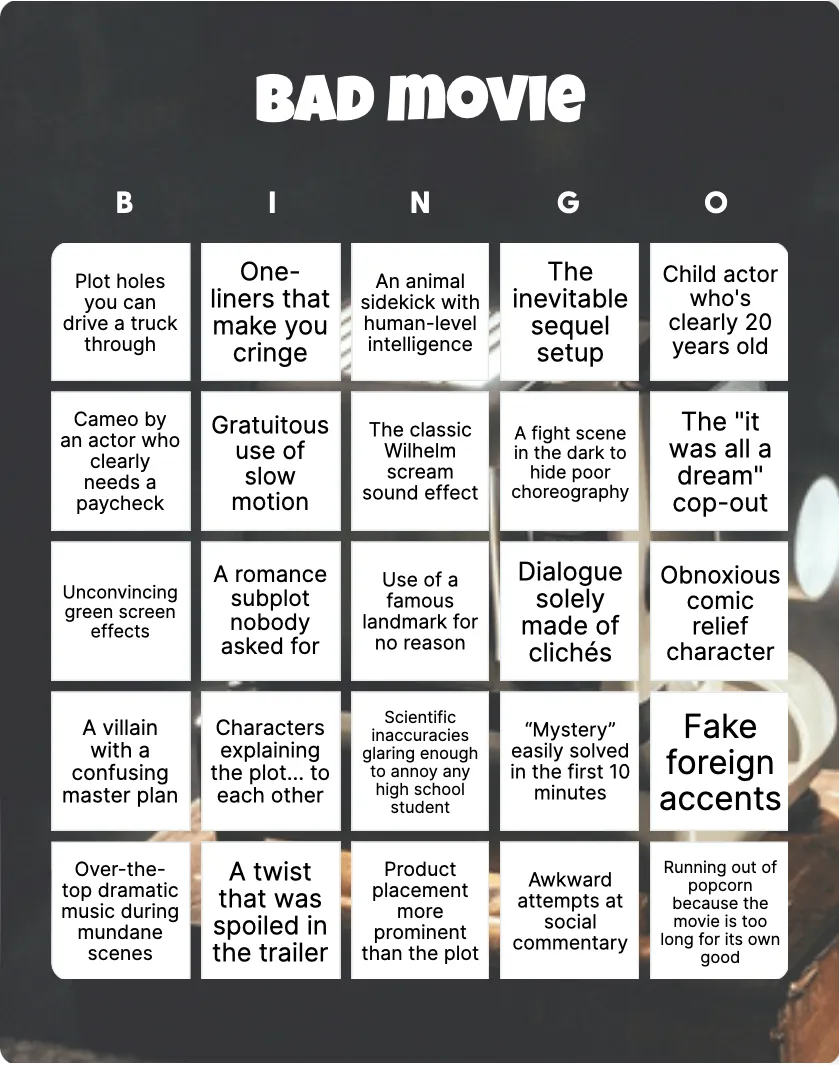
Bad movie bingo
18+Challenging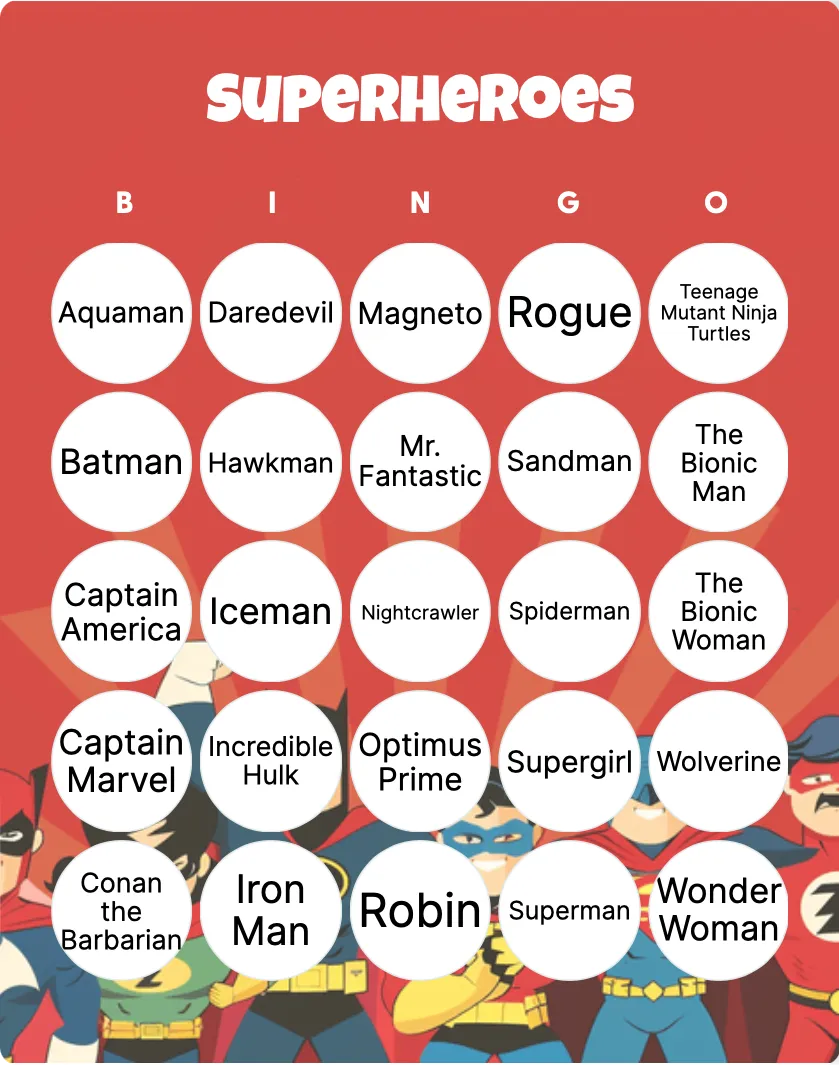
Superheroes bingo
5+Challenging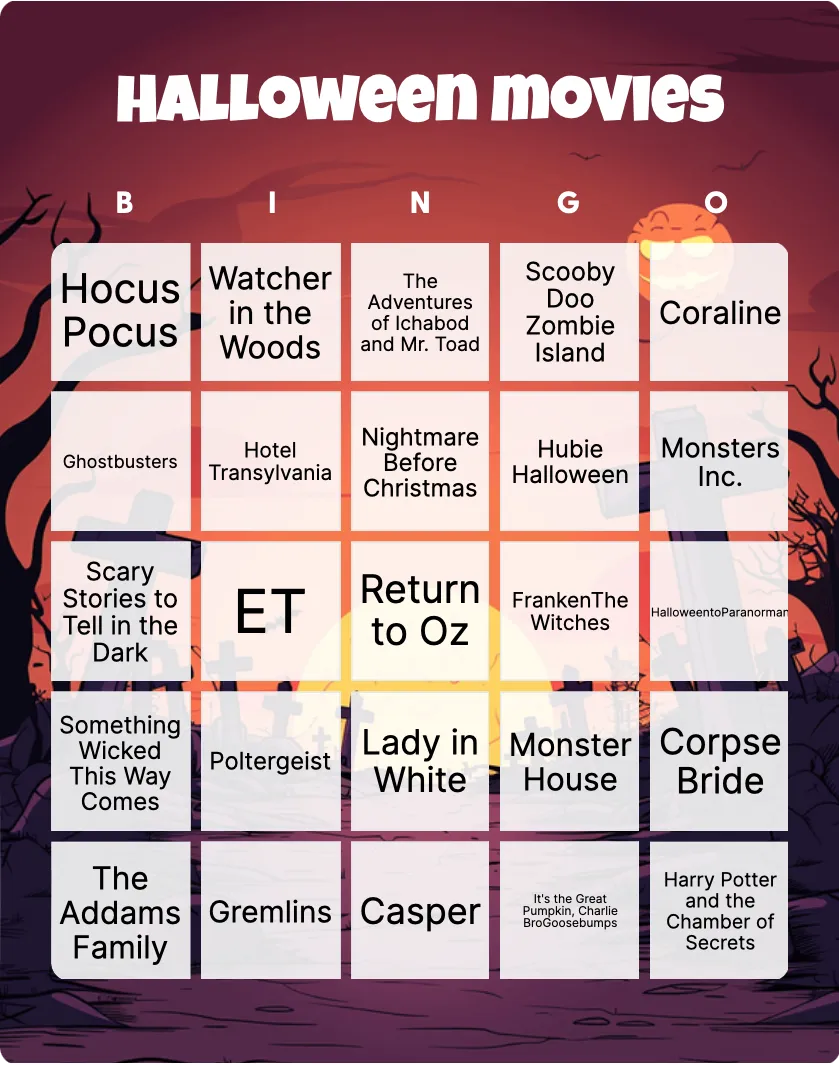
Halloween movies bingo
12+Intermediate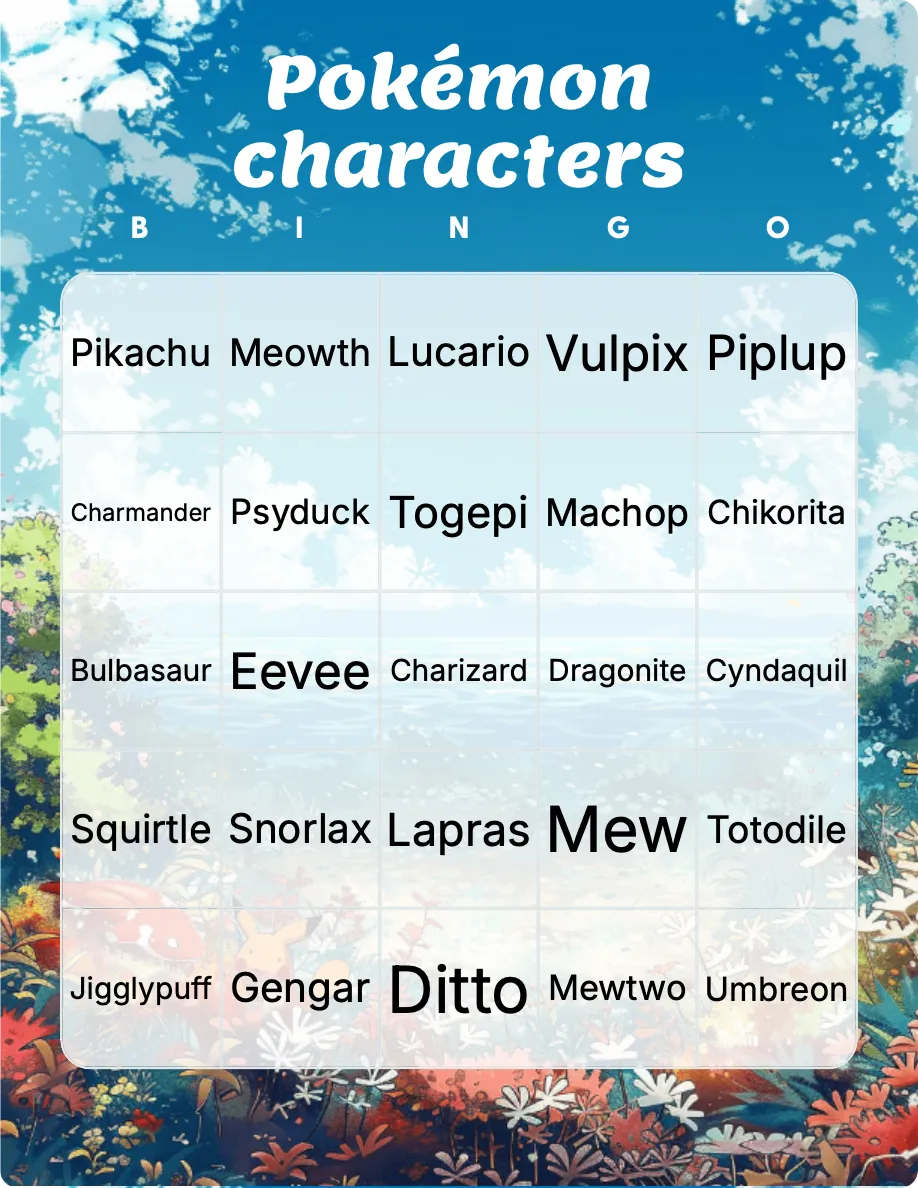
Pokémon characters bingo
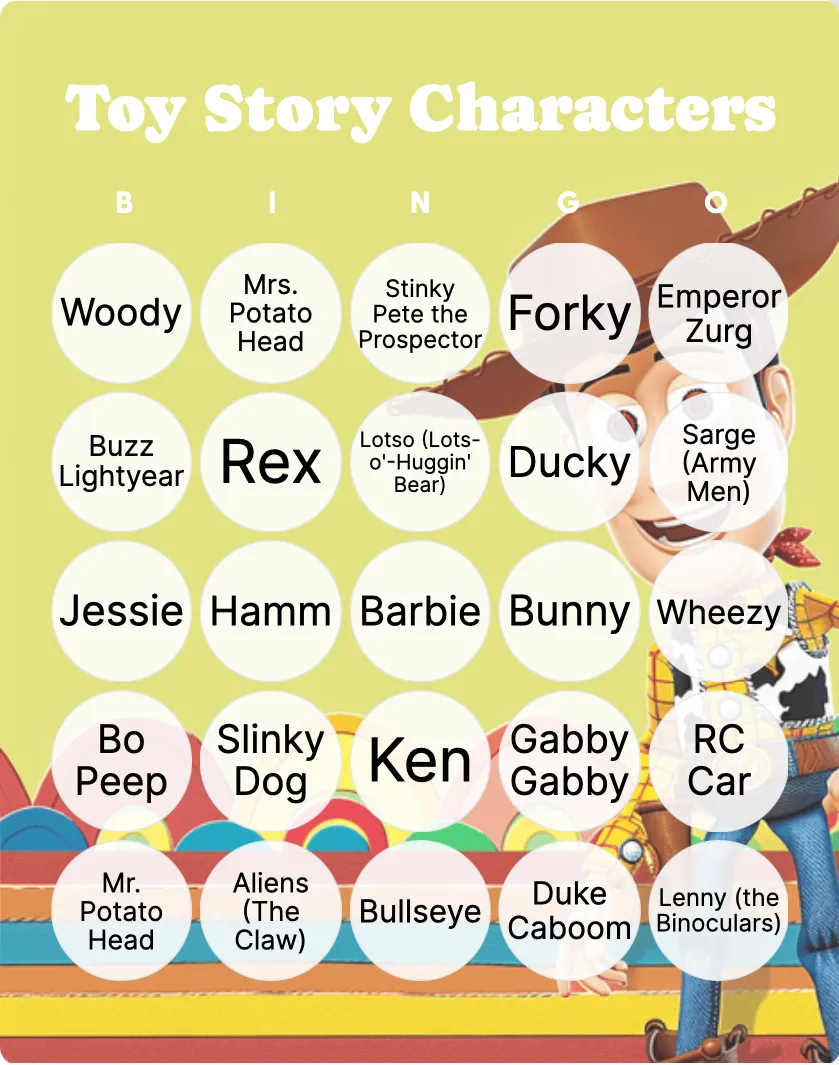
Toy Story Characters bingo
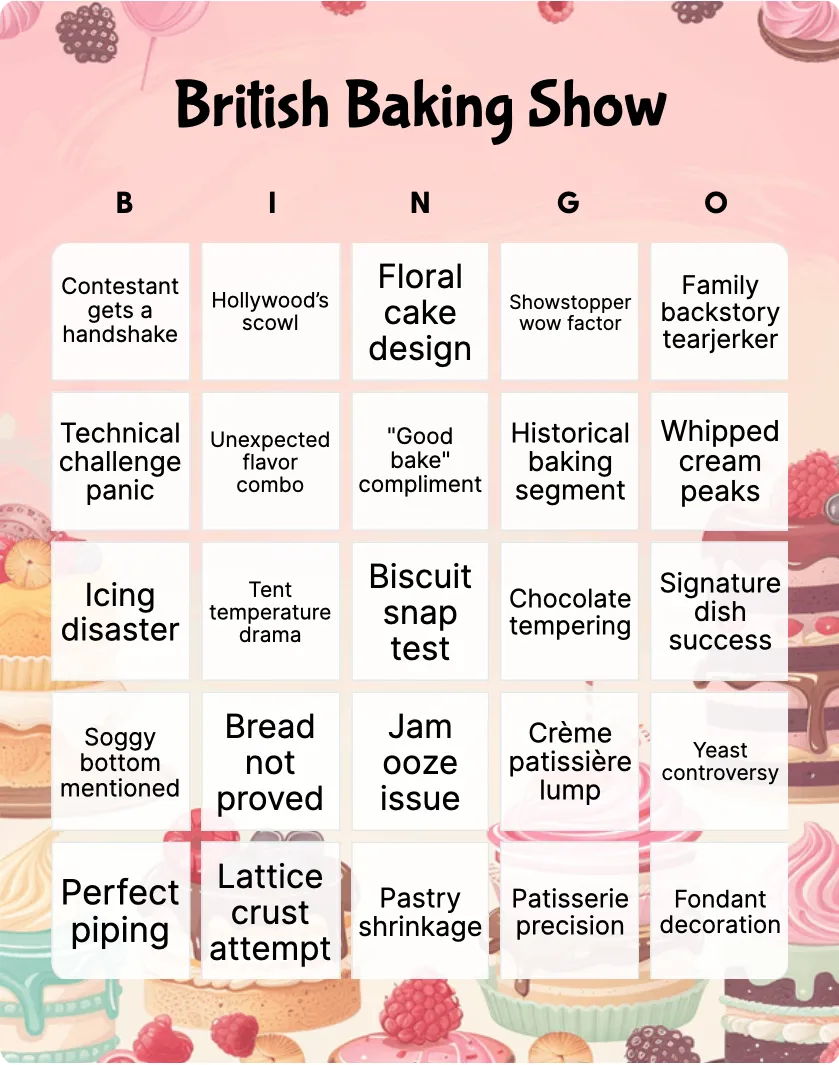
British Baking Show bingo
8+Easy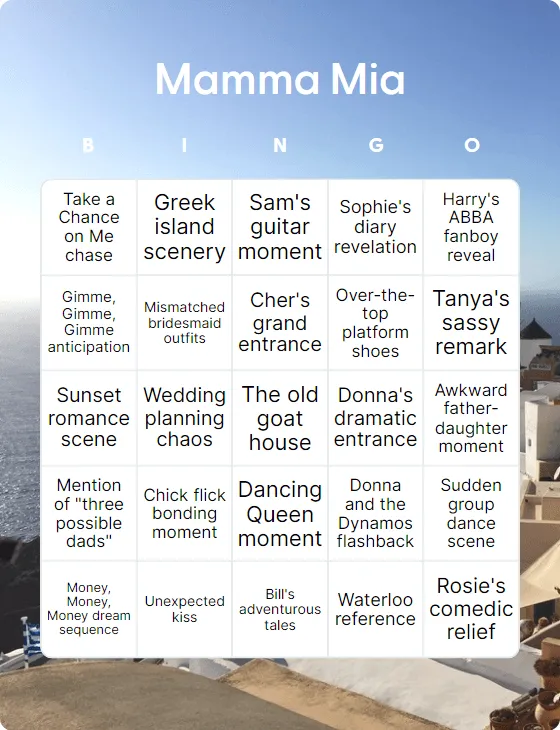
Mamma Mia bingo
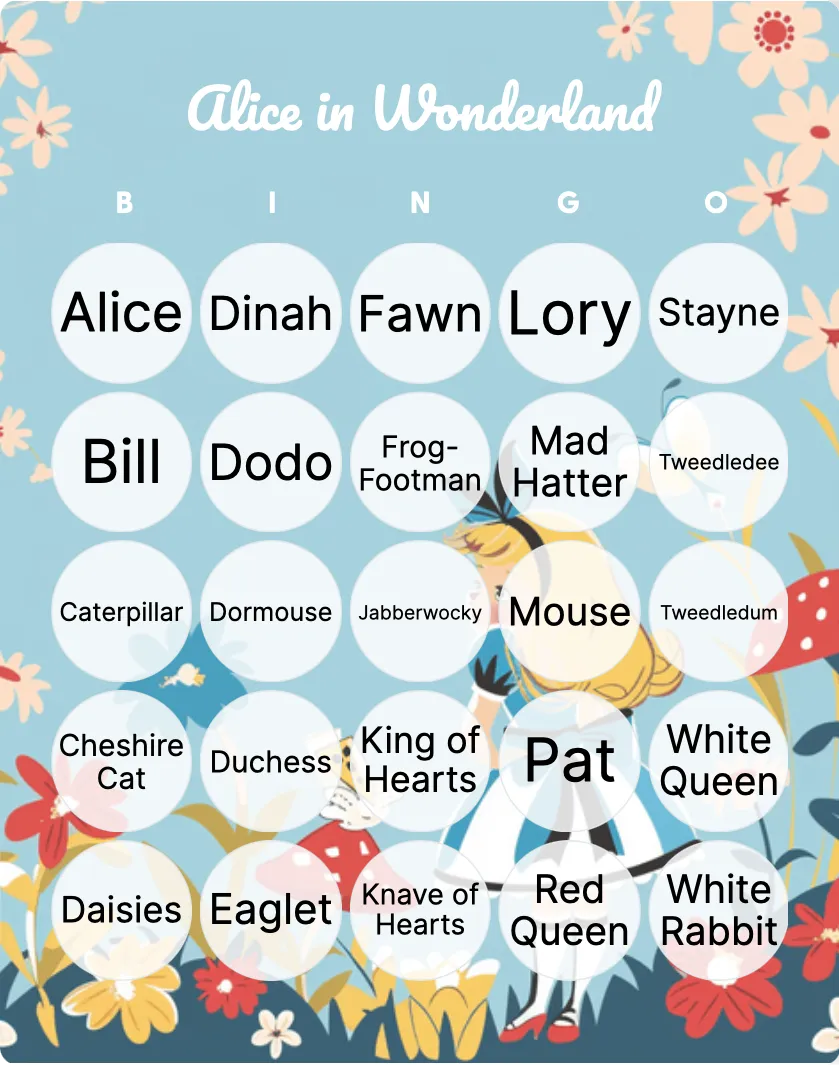
Alice in Wonderland bingo
5+Intermediate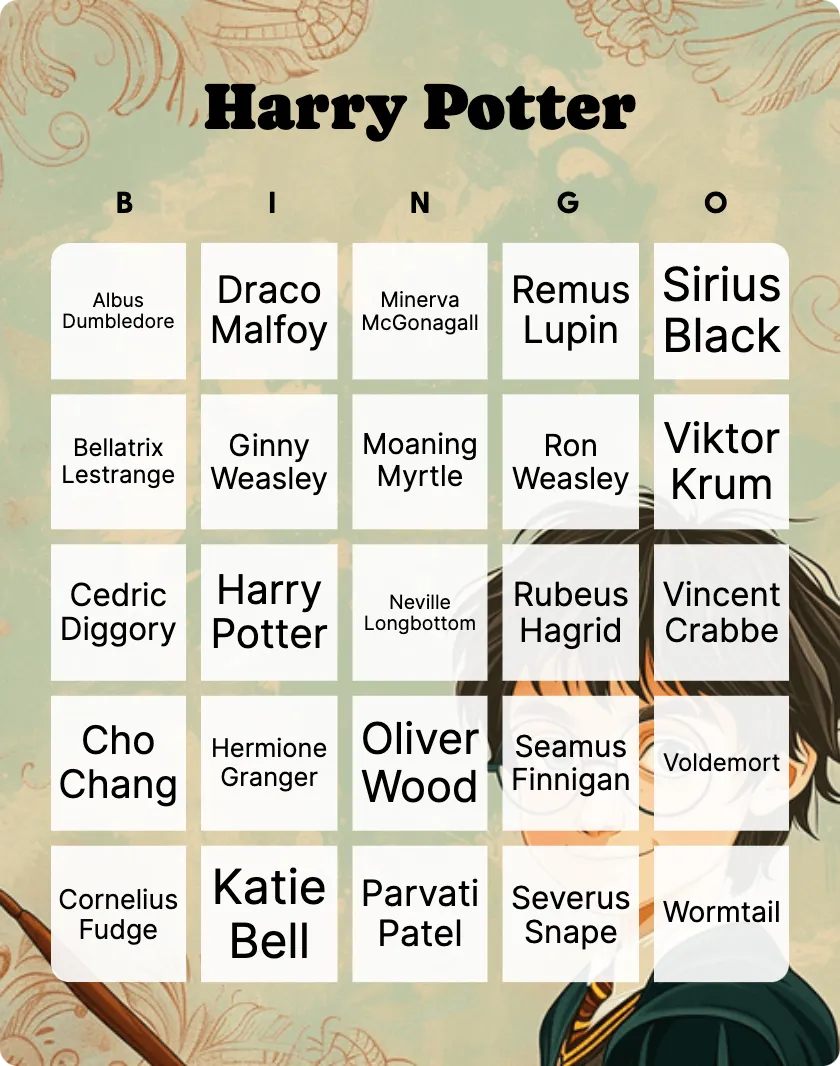
Harry Potter bingo
8+Intermediate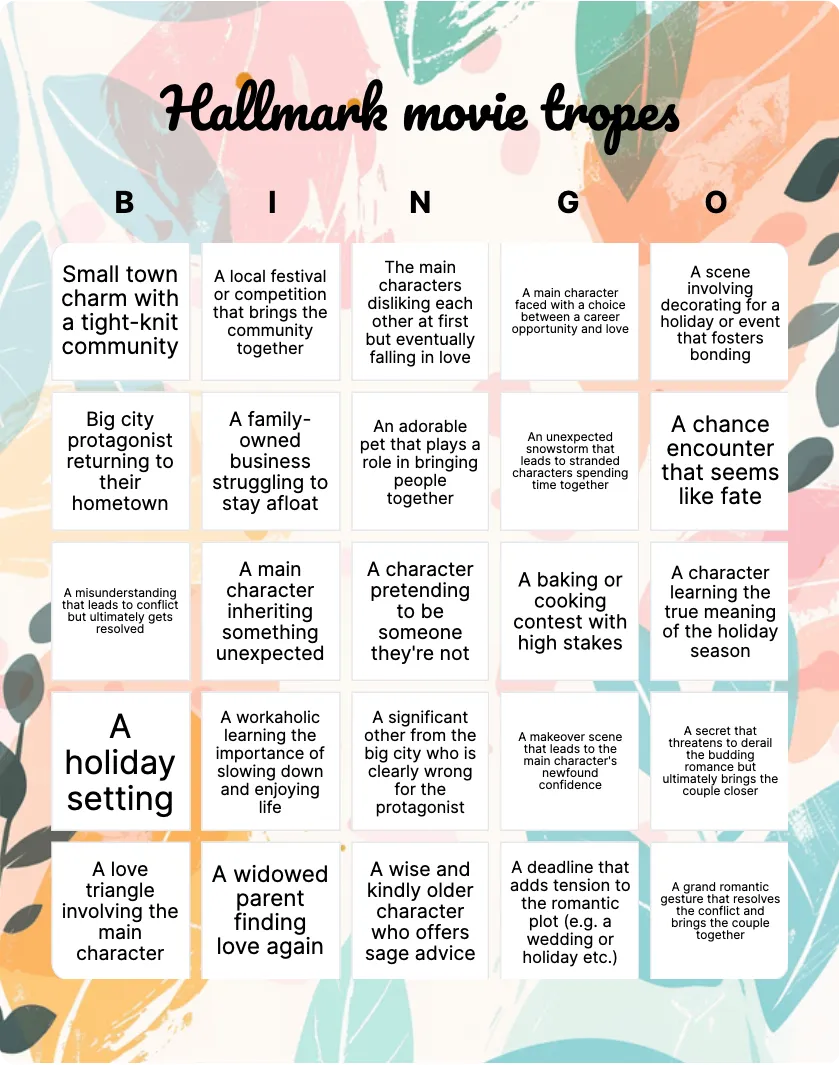
Hallmark movie tropes bingo
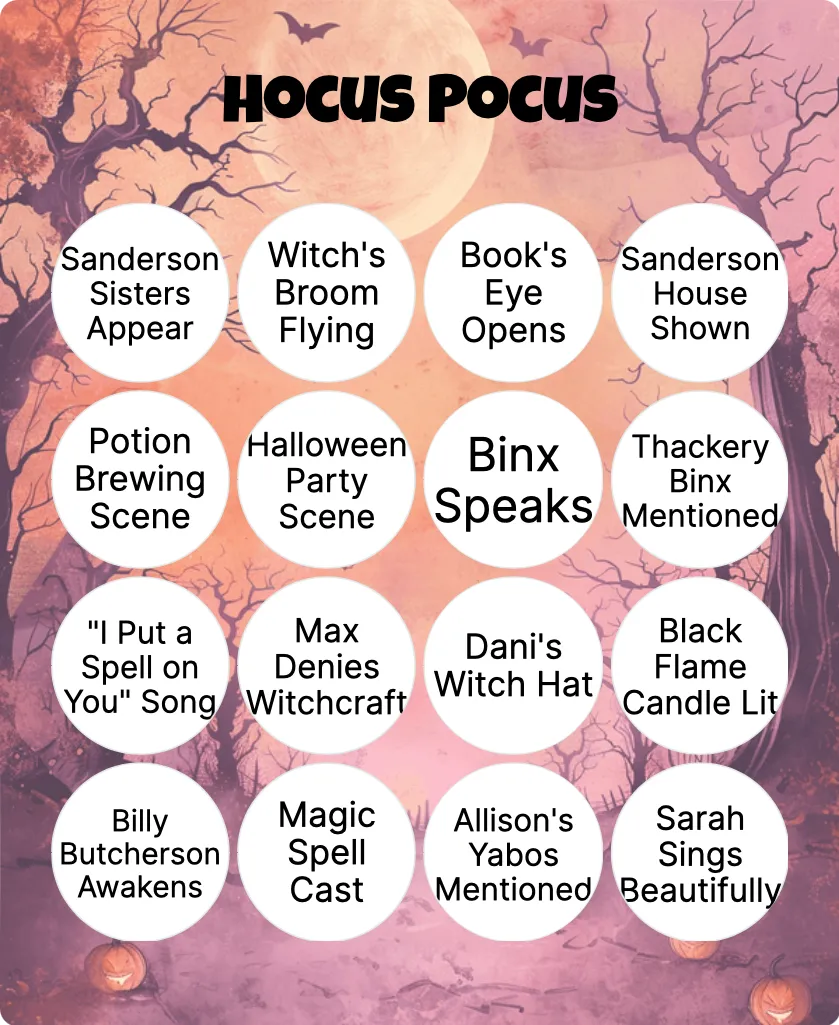
Hocus Pocus bingo
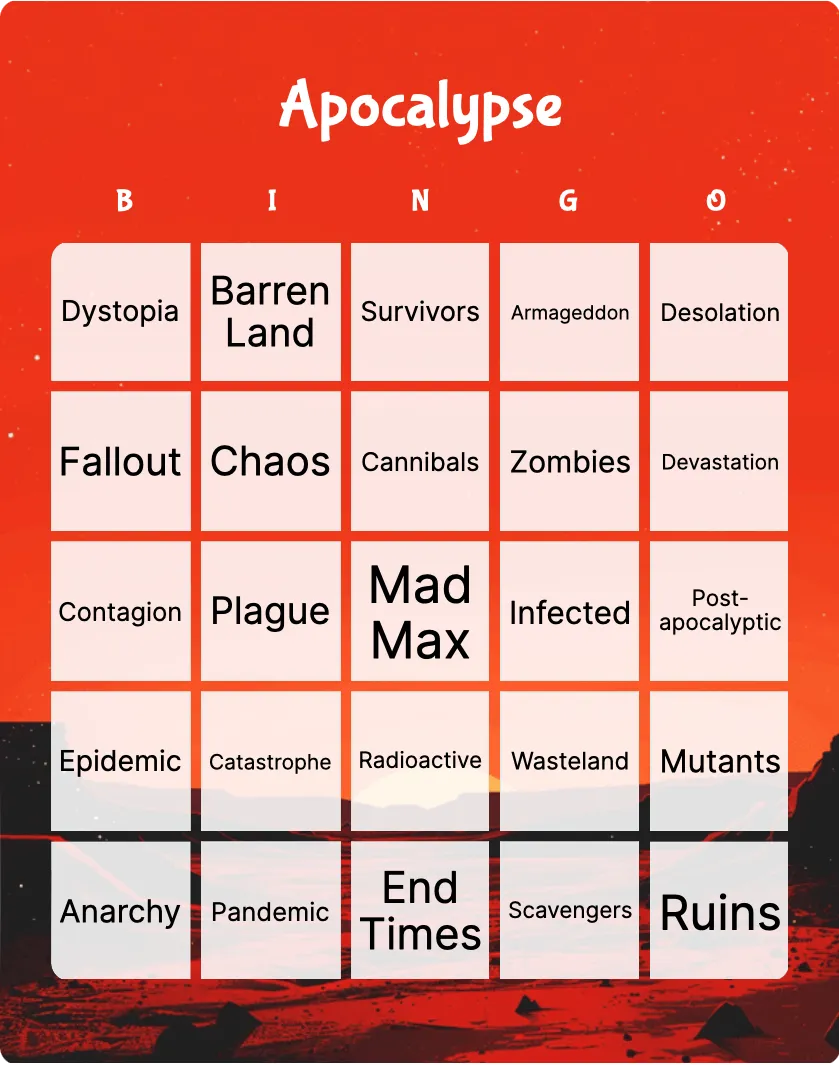
Apocalypse bingo
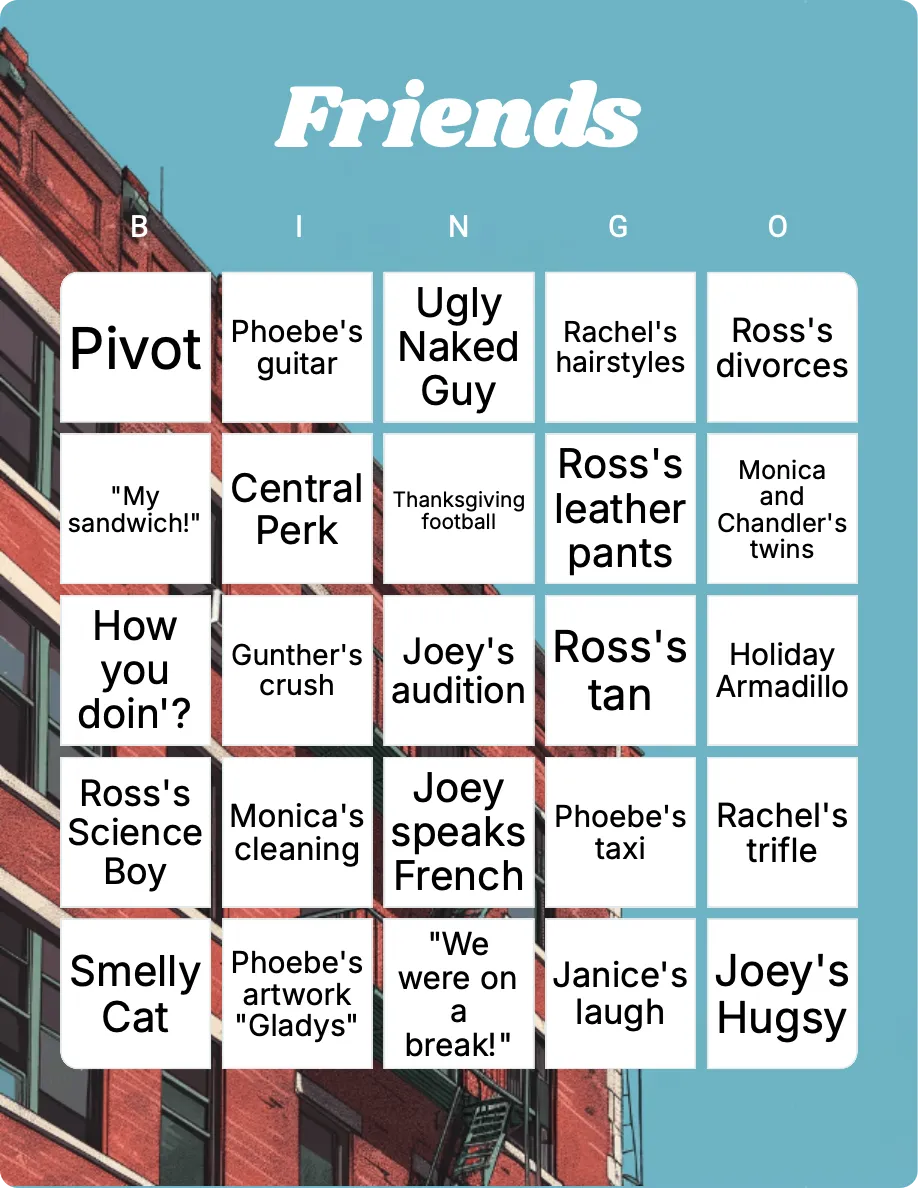
Friends bingo
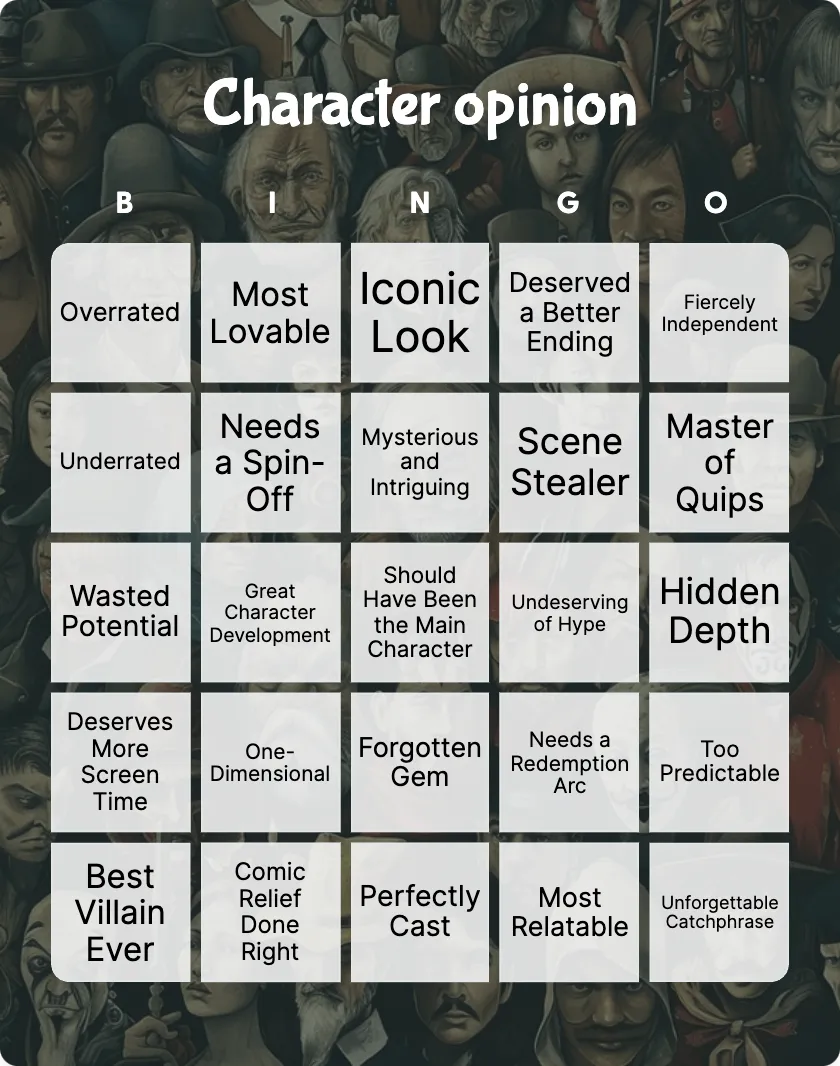
Character opinion bingo
18+Intermediate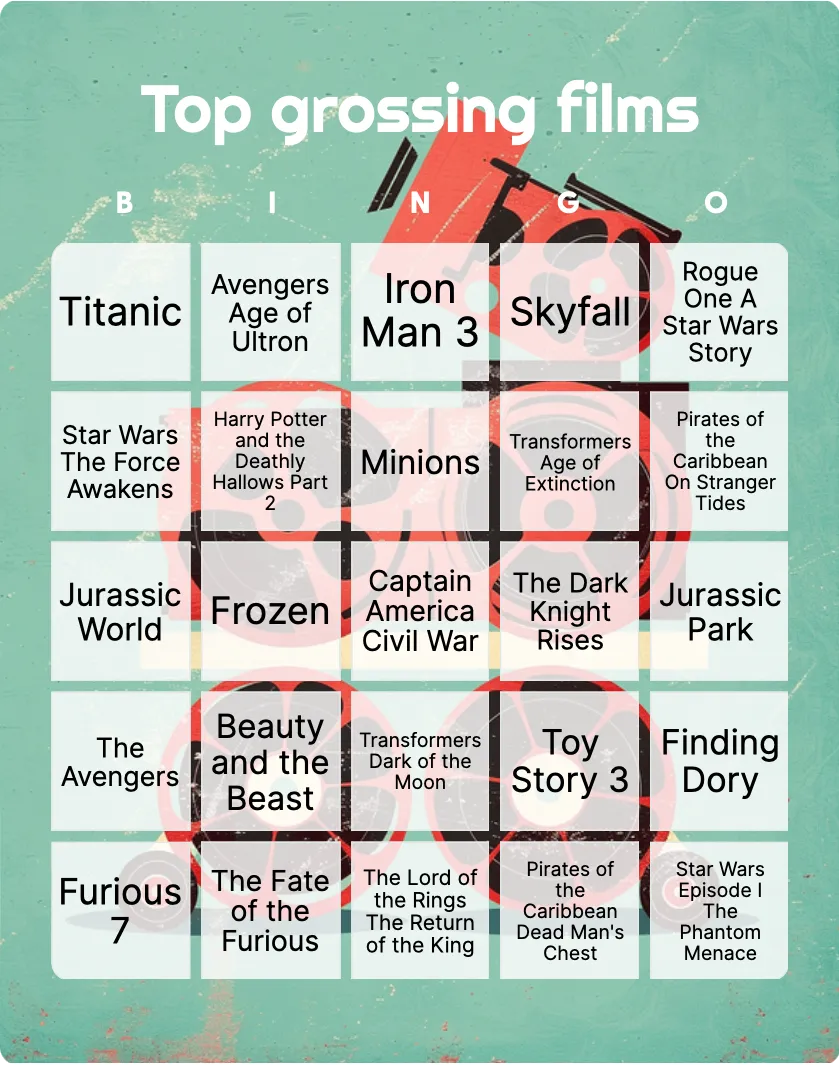
Top grossing films bingo
18+Challenging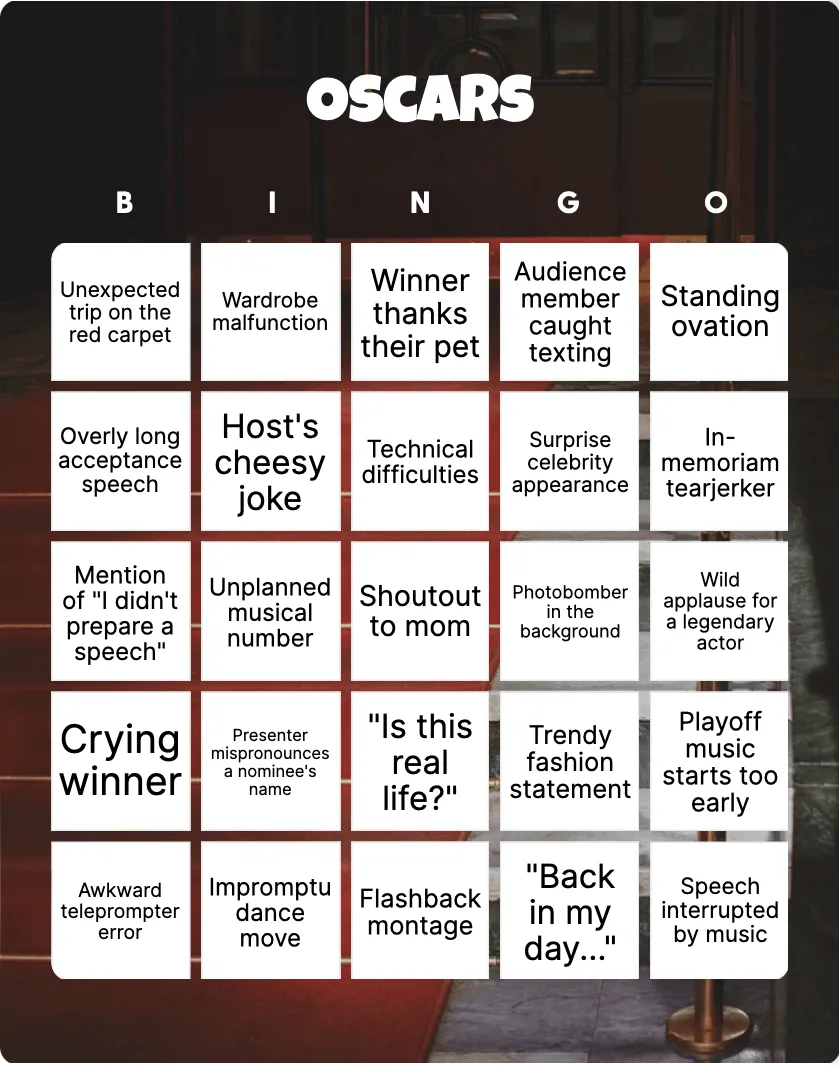
Oscars bingo
Barbie bingo
8+Easy
The Office TV Show bingo
12+Intermediate
Movies based on true stories bingo
12+Challenging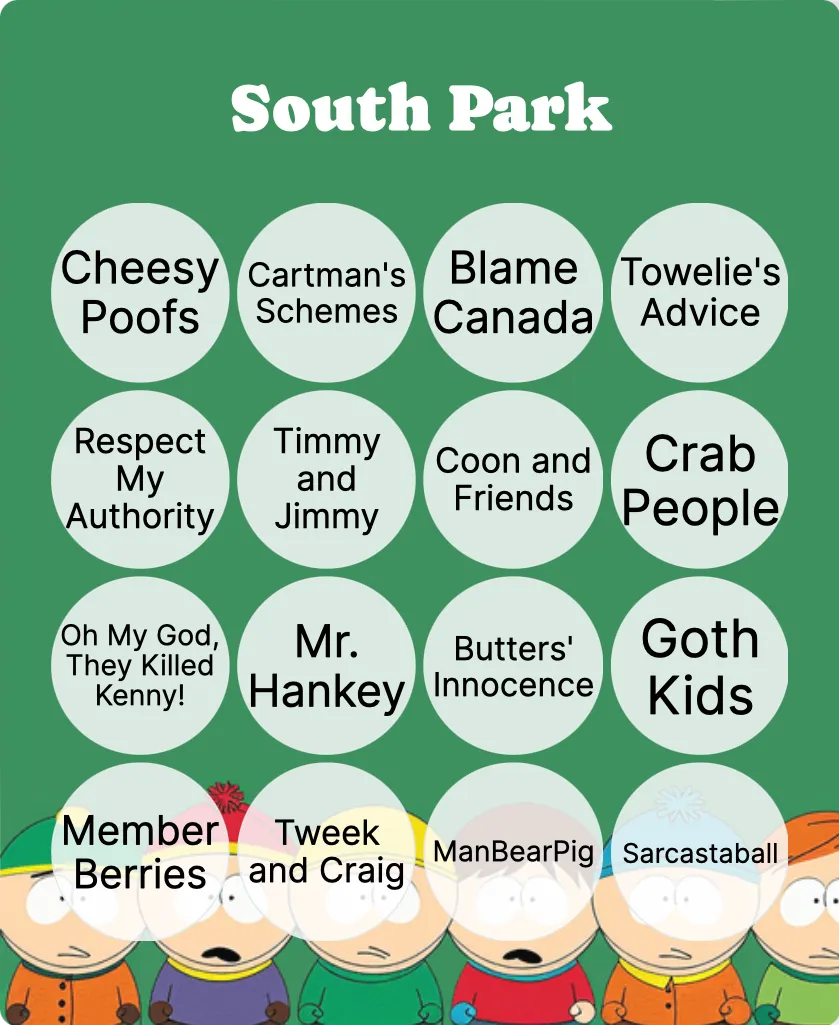
South Park bingo
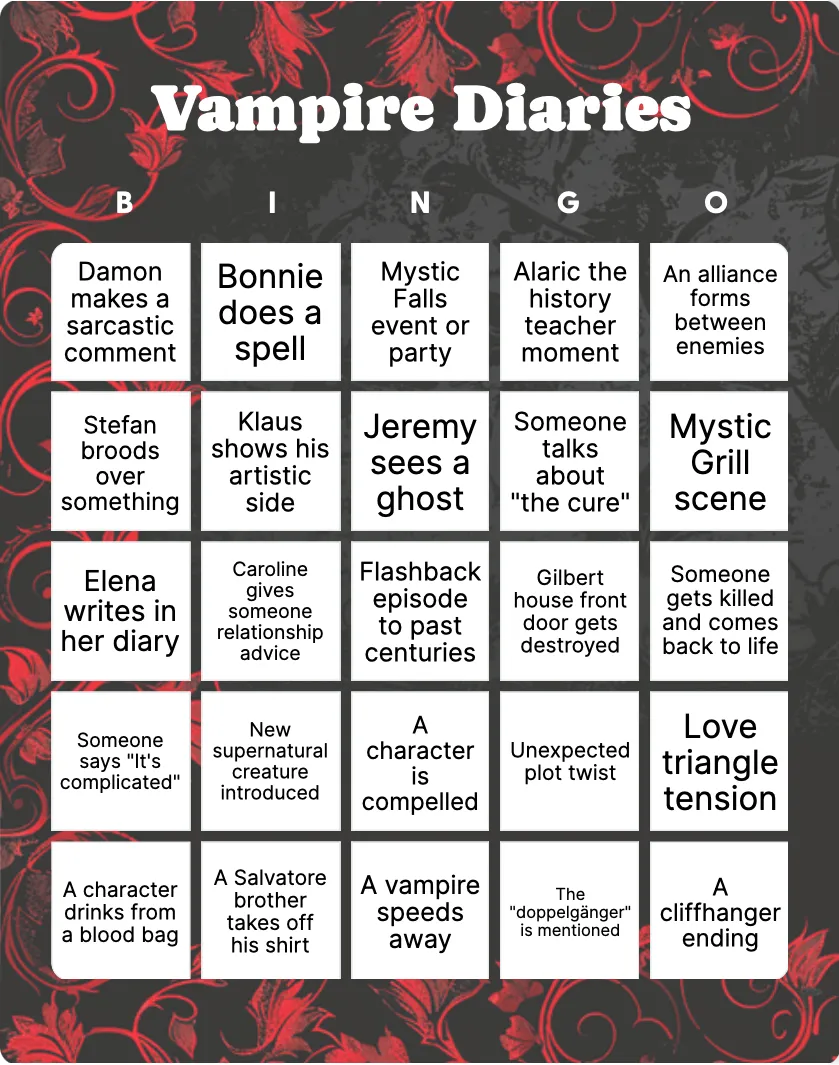
Vampire Diaries bingo
How to set up film and TV bingo
A film and TV bingo card can be about what appears on screen, what the group knows, or what happens during a live event. Define that job first. A trope card works during a genre film, a title card can become a called quiz, and an awards card tracks moments in a broadcast. Using the wrong format creates more confusion than the rules can fix.
Match the card to the viewing plan
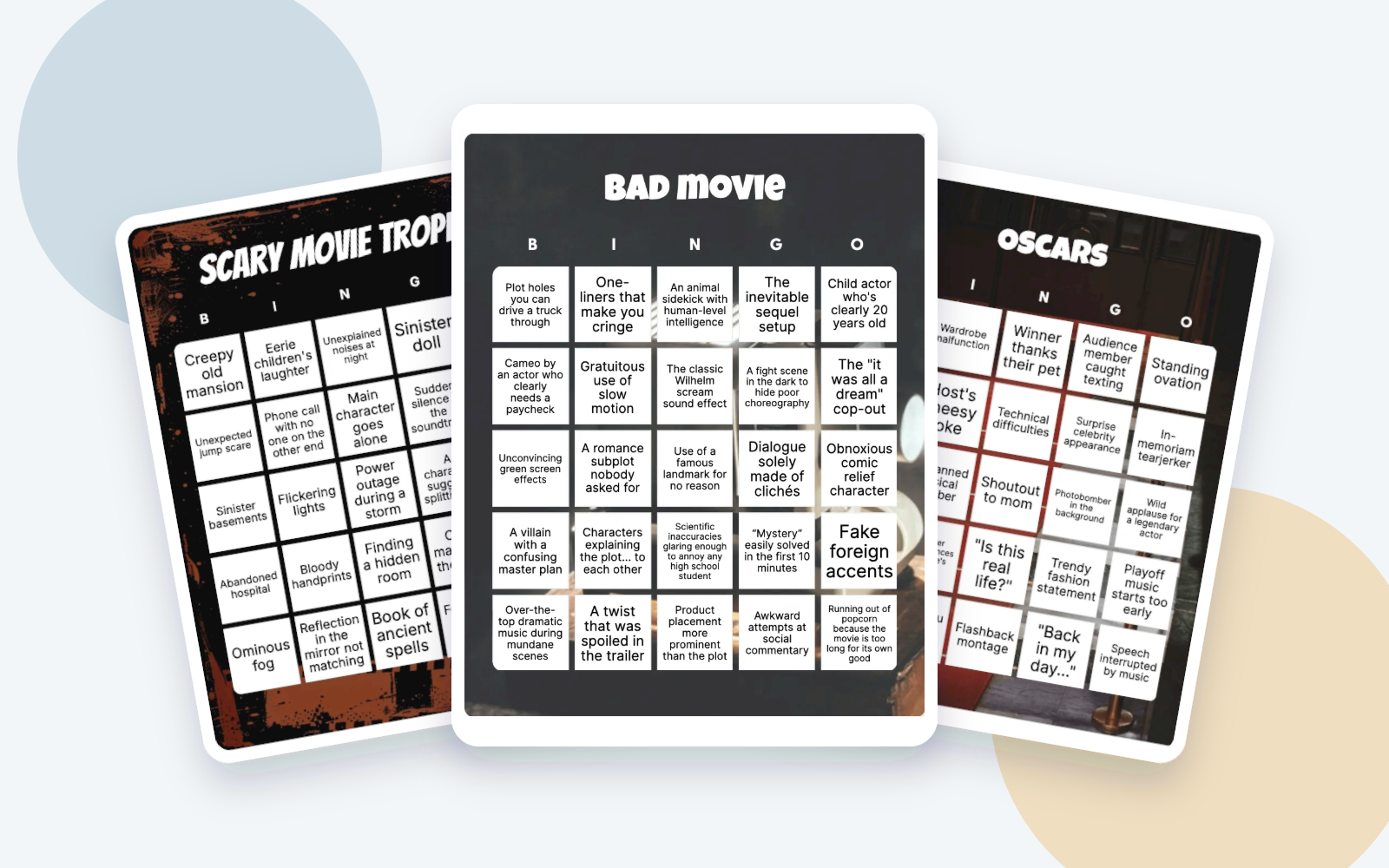
- Scary movie tropes includes observations such as a creepy old mansion, an unexpected jump scare, a sinister basement, an abandoned hospital, and ominous fog.
- Bad movie asks players to notice features such as plot holes, unconvincing effects, and overdramatic music.
- Oscars is designed around live-event moments such as a long acceptance speech or a crying winner.
Other cards use film titles, series, characters, genres, awards, or decades. Choose one film, an announced marathon, a defined set of episodes, or one broadcast. A card based on material outside that scope will either reveal spoilers or leave squares impossible to mark.
Agree on spoilers and pauses
If anyone is watching for the first time, remove squares that reveal later events, identities, relationships, or outcomes. Keep discussion within the film or episodes everyone has already seen. A square should not force an experienced viewer to explain a spoiler.
Decide whether play pauses when someone marks a square. Pausing makes an uncertain moment easier to check but can interrupt the viewing. Continuous play keeps the screen moving; players can note a scene or approximate time and check at a natural break. Use one rule for the whole group.

Define what counts
Observation prompts can be subjective. Before play, clarify vague terms such as “plot hole,” “dramatic entrance,” or “bad effect.” Choose one host to make close rulings, and apply each ruling to every card. For live events, decide whether something counts when it first happens, when it is mentioned, or each time it recurs.
Keep cards visible without blocking the screen. If players use phones, lower screen brightness and mute notifications. For printed cards, choose markers that can be moved quietly and do not cover the square completely.
Write original custom prompts
Describe general observations in your own words. You can refer to a type of scene, a genre convention, a broad character role, or a public event in the broadcast. Do not copy dialogue, song lyrics, screenshots, posters, logos, or character artwork into the card or editorial image. Original descriptions are easier to fit on a square and clearer to rule on.
Prepare the round
- Define the film, episodes, marathon, or broadcast in scope.
- Choose a trope, title, character, genre, or live-event card.
- Review every square for spoilers and ambiguity.
- Set pause, evidence, ruling, and winning rules.
- Prepare cards using the printing guide, or use the online play guide for a remote watch party.
Handle missed or disputed moments
- Someone misses a moment: use the agreed note or timestamp process rather than rewinding immediately.
- A square is subjective: accept the host’s consistent ruling and revise the wording for another round.
- The card contains a spoiler: remove it before play; do not explain it to newcomers.
- The game distracts from the film: switch to checking only at natural breaks.
A narrow viewing scope and a simple ruling process keep the card from interrupting the film or broadcast.
Generate bingo cards,
your way
Unleash your creativity with our versatile generator that simplifies the creation of personalized cards featuring text, emojis, and images!
Create card
Frequently asked questions
Should film bingo pause when someone marks a square?
How do I avoid spoilers on a film or TV bingo card?
Can bingo be played during a live awards show?
Can I make a custom film or TV bingo card?
You may also be interested in....
Not quite found the card you were looking for? Here are some similar categories that you may be interested in.